
You can create an API service account from your profile if you have API access. The client ID and private key are valid for 24 months.
Required Editions
| User Permissions Needed | |
|---|---|
| To create an API service account: | User with Enable API Access |
- To the right of the navigation bar, click the dropdown arrow, and click your name to access your profile settings.
-
To create an API service account, next to API Access Token, click
Generate/Refresh.
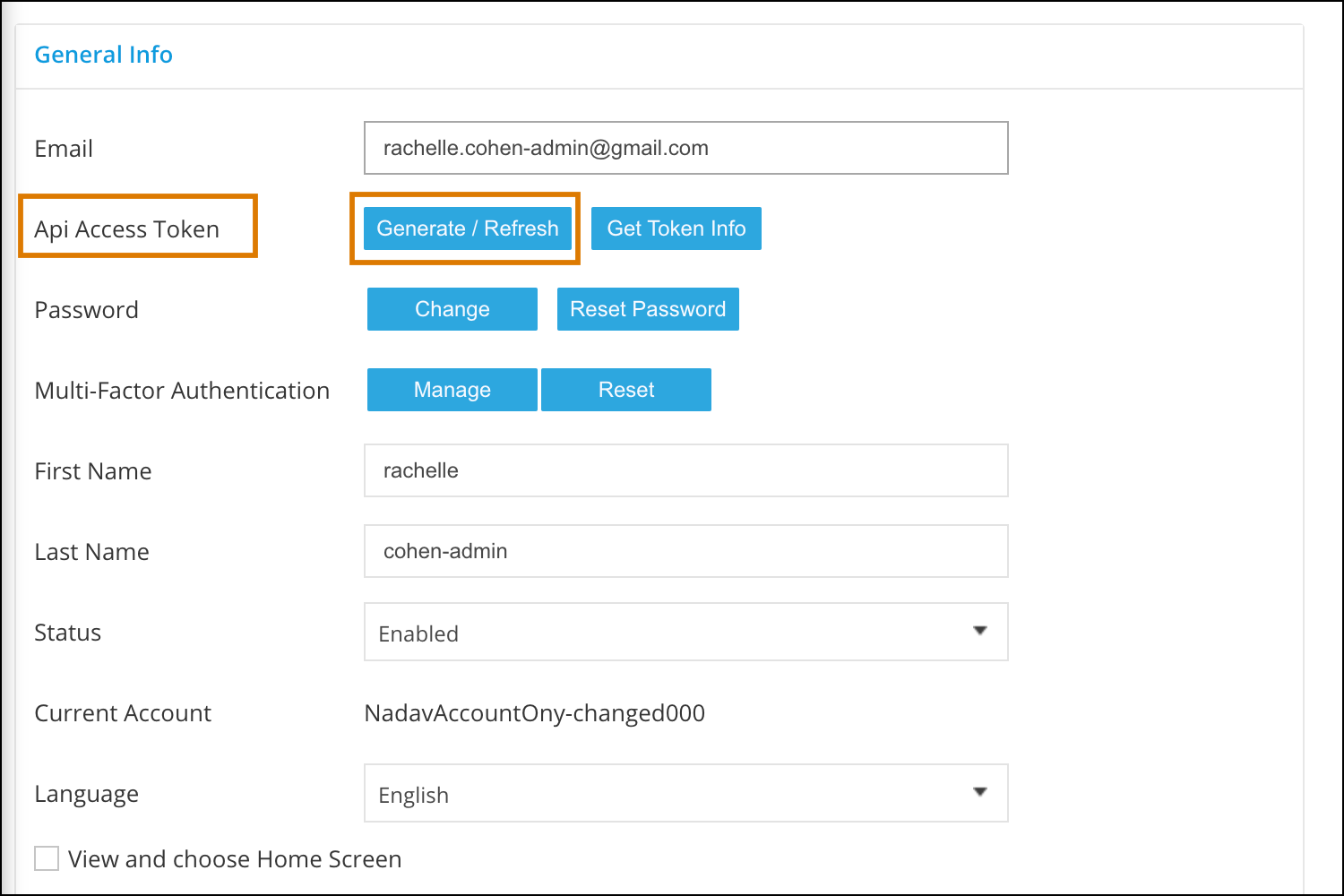 The API service account’s details are download in a text file locally on your machine. Store this file securely.
 Note Generate/Refresh generates the new API service account details. It does not generate the Access Token. The old string tokens are a separate entity and will remain supported until their deprecation date.The downloaded file looks like this:
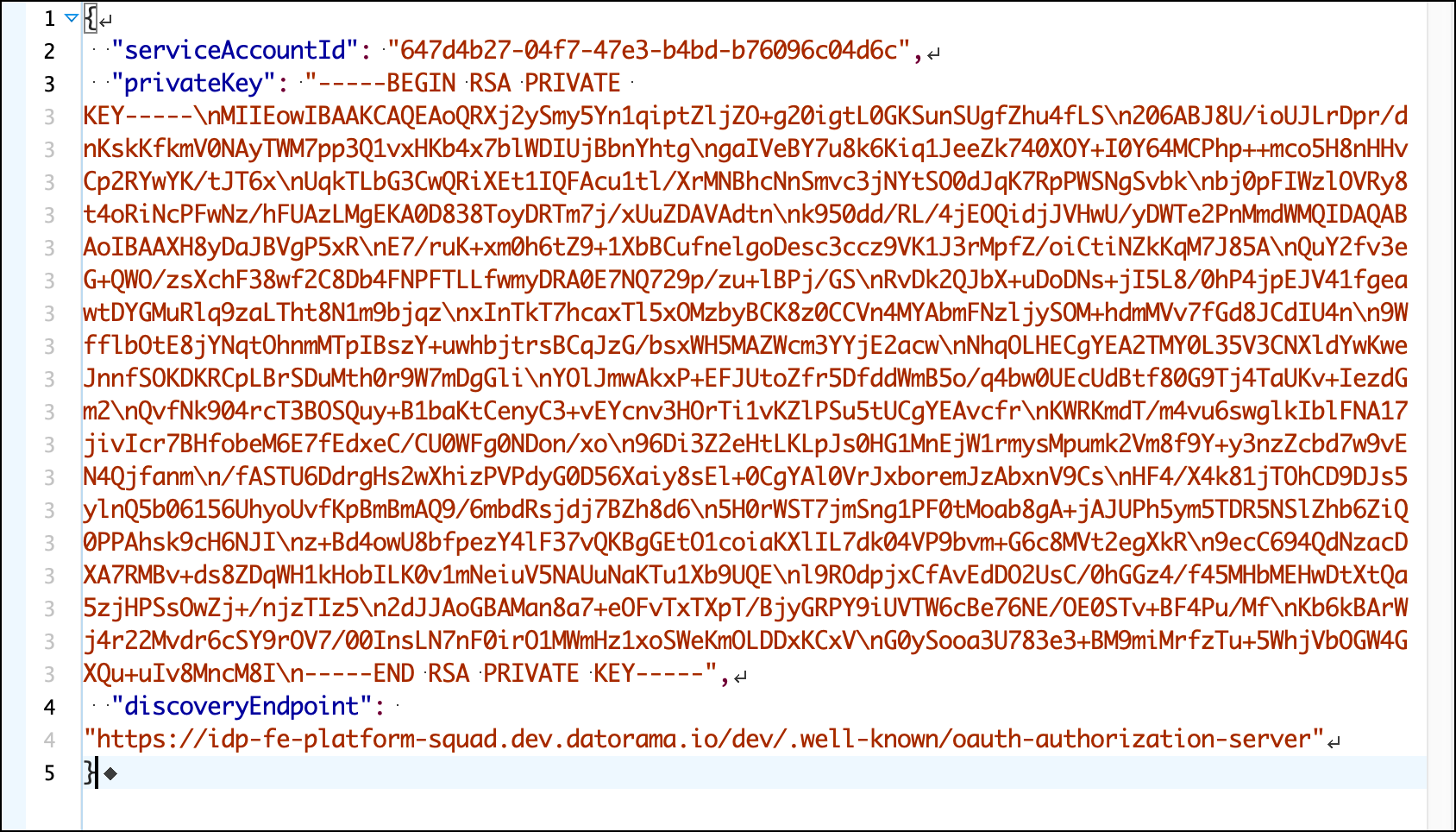 The token provides this information:
- serviceAccountId—Represents your client ID that you use to generate an access token.
- privateKey—Your RSA private key you use to sign your private key JWT (JSON Web Token).
- discoveryEndpoint—Use this URL to retrieve the access token generation endpoint and the issuer address.