
You can configure the date format for a report.
Required Editions
| User Permissions Needed | |
|---|---|
| To set the date format for reports | Admin |
- On the Analyze & Act tab, click Reports.
- Select the report that you want to configure, and click Edit.
-
In the Configuration section, select the date dimensions that you want to configure in the
Dimension field.
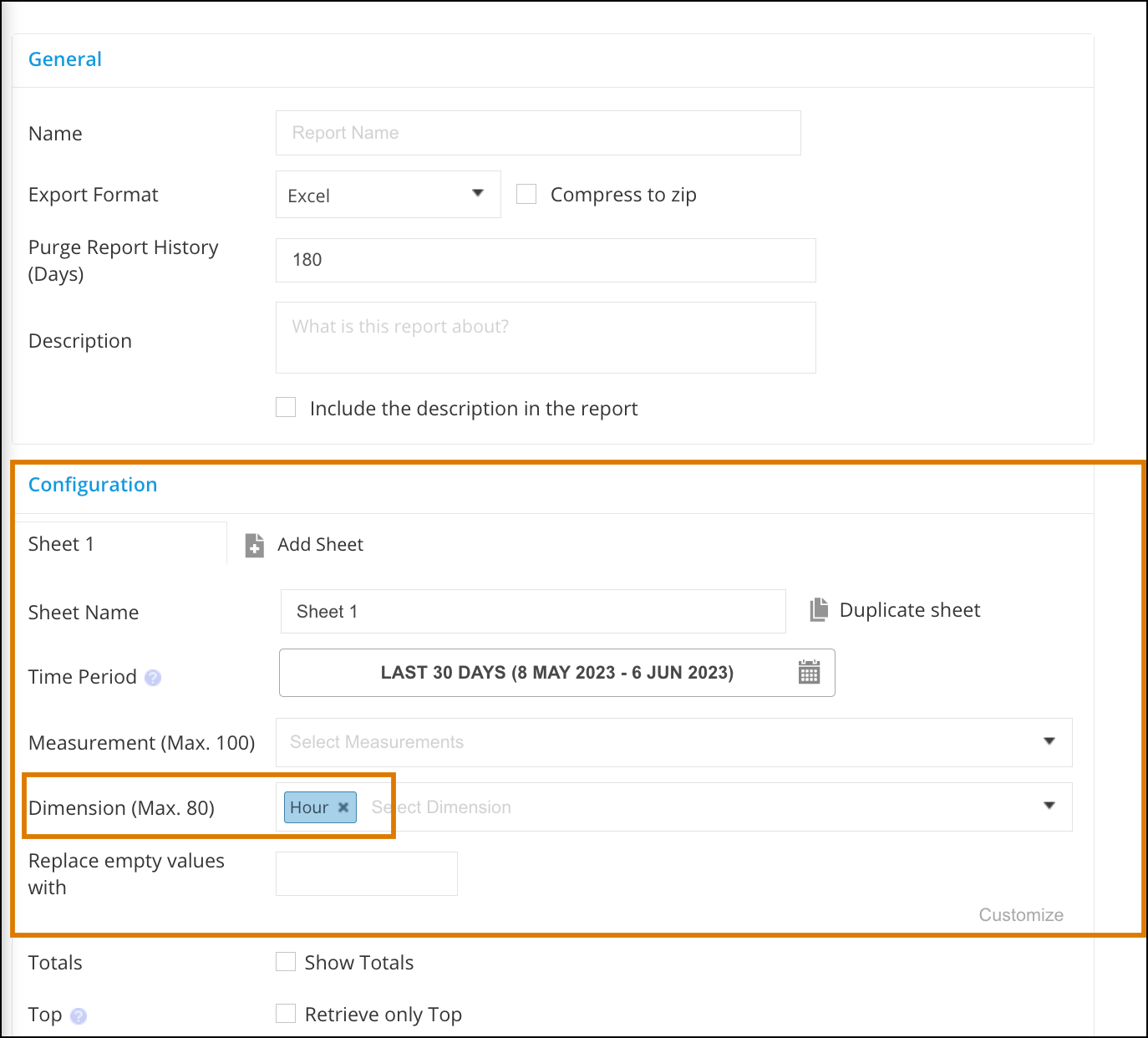
- Click Customize and in the Display Format column, set the format. For example, enter MMMM to display the full name of the month.
- Click Apply and save your report.