If a workflow fails, view the log file to see what caused the failure. A workflow can
run for 6 hours. If the workflow doesn’t finish executing in that time, it times out.
Required Editions
| User Permissions Needed |
| To troubleshoot a workflow: |
Admin |
-
On the Connect & Mix tab, select Workflows.
-
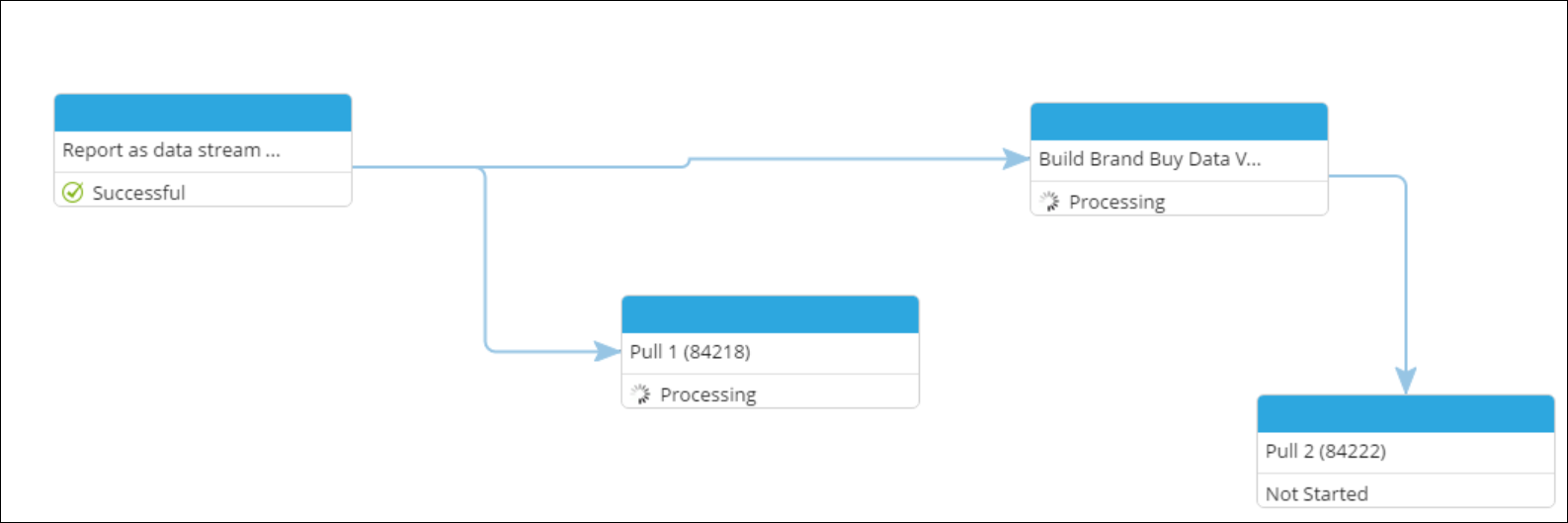
Select the failed workflow, and click Show Run Status.
A window shows the run status of each element in the workflow. The information is updated
while the workflow runs
-
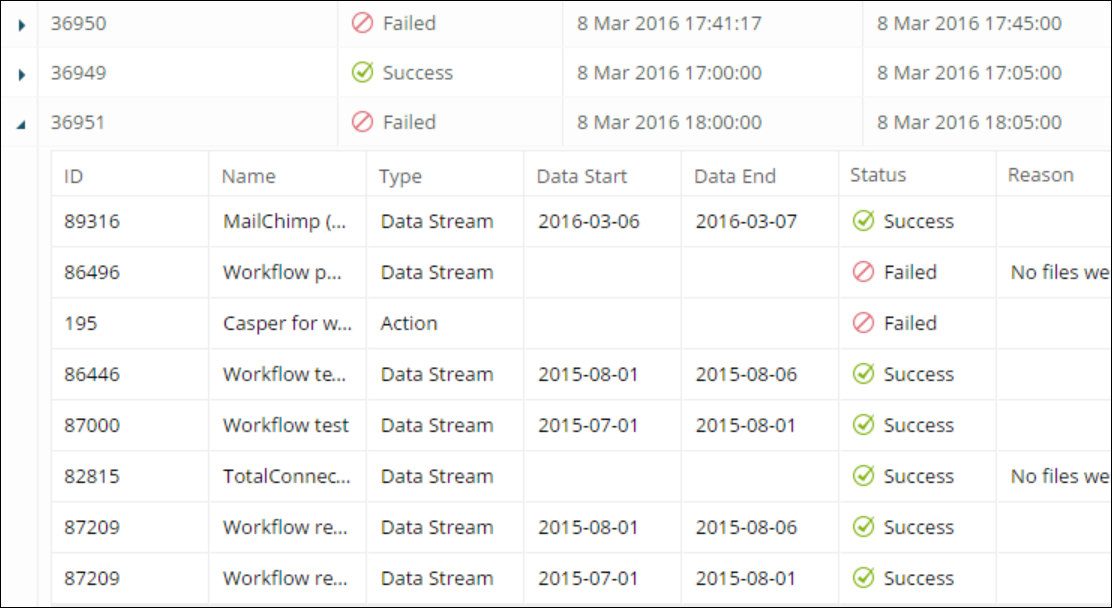
To investigate why a workflow failed to run, click Log. Each
instance has its own ID.