
Create a transformation group to classify entities together.
Required Editions
| User Permissions Needed | |
|---|---|
| To create a transformation group: | Admin |
- On the Connect & Mix tab, select Harmonization Center, and then Transformation Rules.
-
Click New. Name your group and select the Group
Type.
The Group Type determines the values you can choose from.
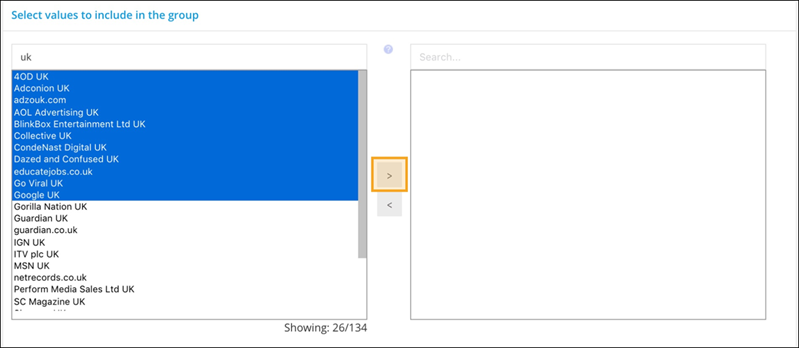
- From the list of values on the left, select the values you’re adding to the new group.
- To add them highlight the values and then click the right arrow.
-
To remove values from your group, highlight them and then click the left arrow.
- Save your work.