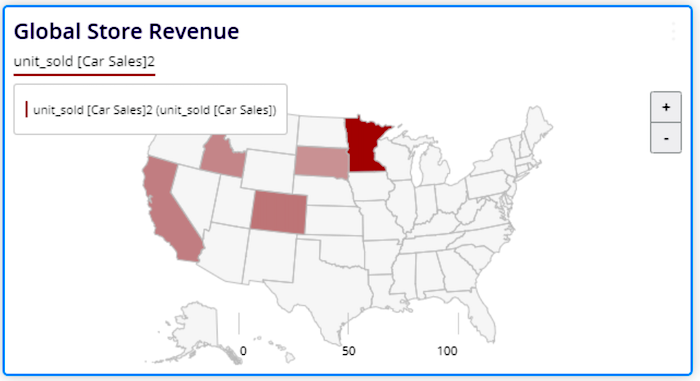
After you map geolocation dimensions, use the Map widget to view your geolocation data
live. Map widgets are created and defined just like all other widgets.
Required Editions
| User Permissions Needed |
| To create a map widget: |
Admin or Power User |
-
On the Connect & Mix tab, select
Visualize, and then select a page.
-
To enter edit mode, click the pencil icon.
-
To add a widget, click the + sign.
-
From the left-hand side of the page, select a Map widget.
-
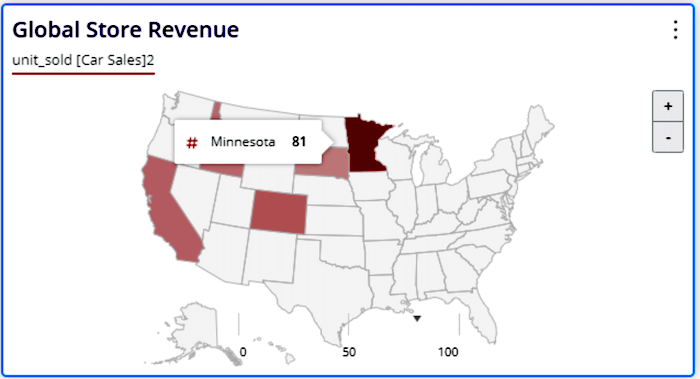
Set the measurements and dimensions. Here’s an example of total revenue of cars sold per
state in the US.
-
To view where the highest revenue occurred, hover over a state.