
View your external mapped source data in the mapping visualizer using a hierarchy structure.
For example, to see how external data is mapped, you can drill down on the External
Data column and see the hierarchy— external source, data stream name, and the source
field name. 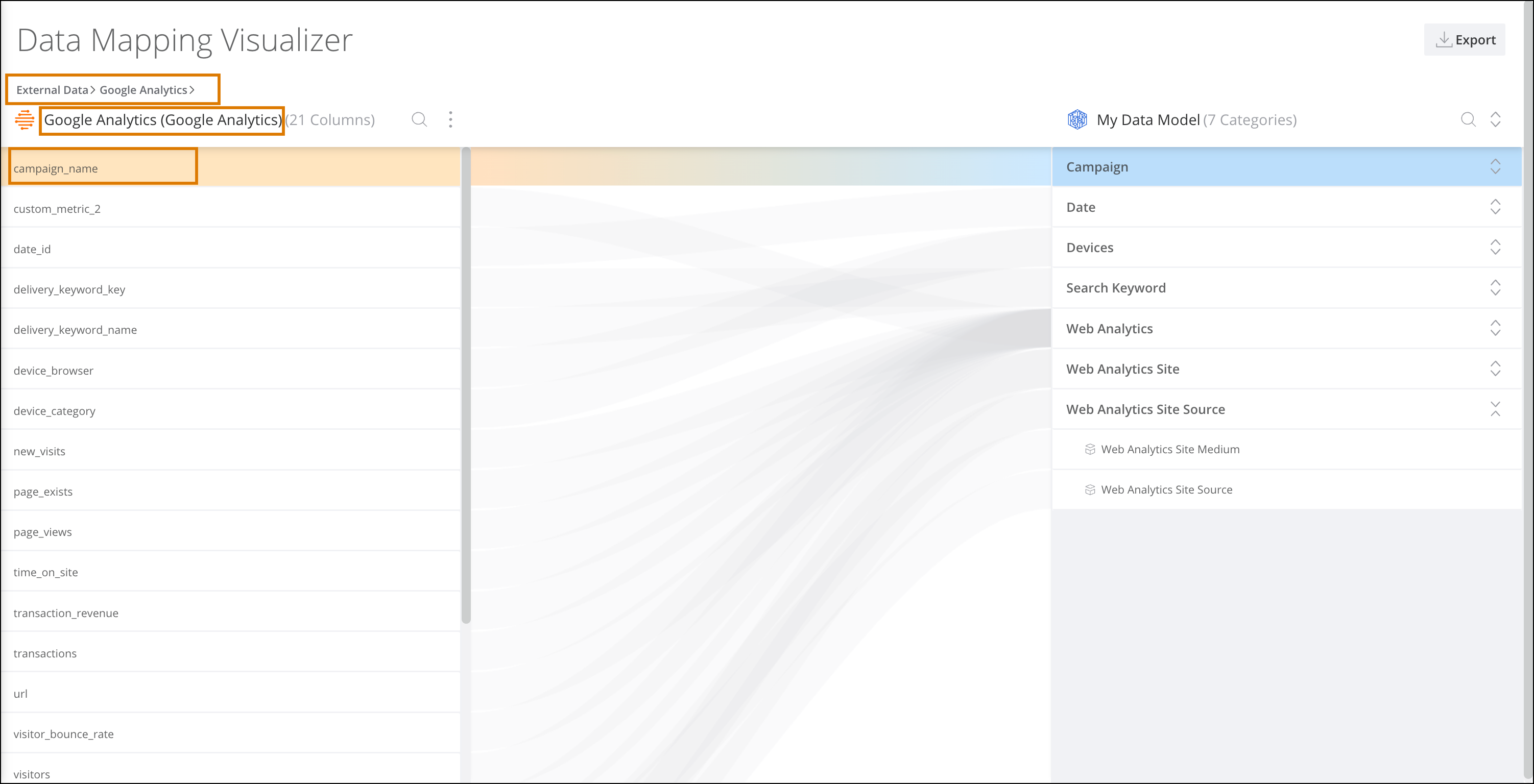
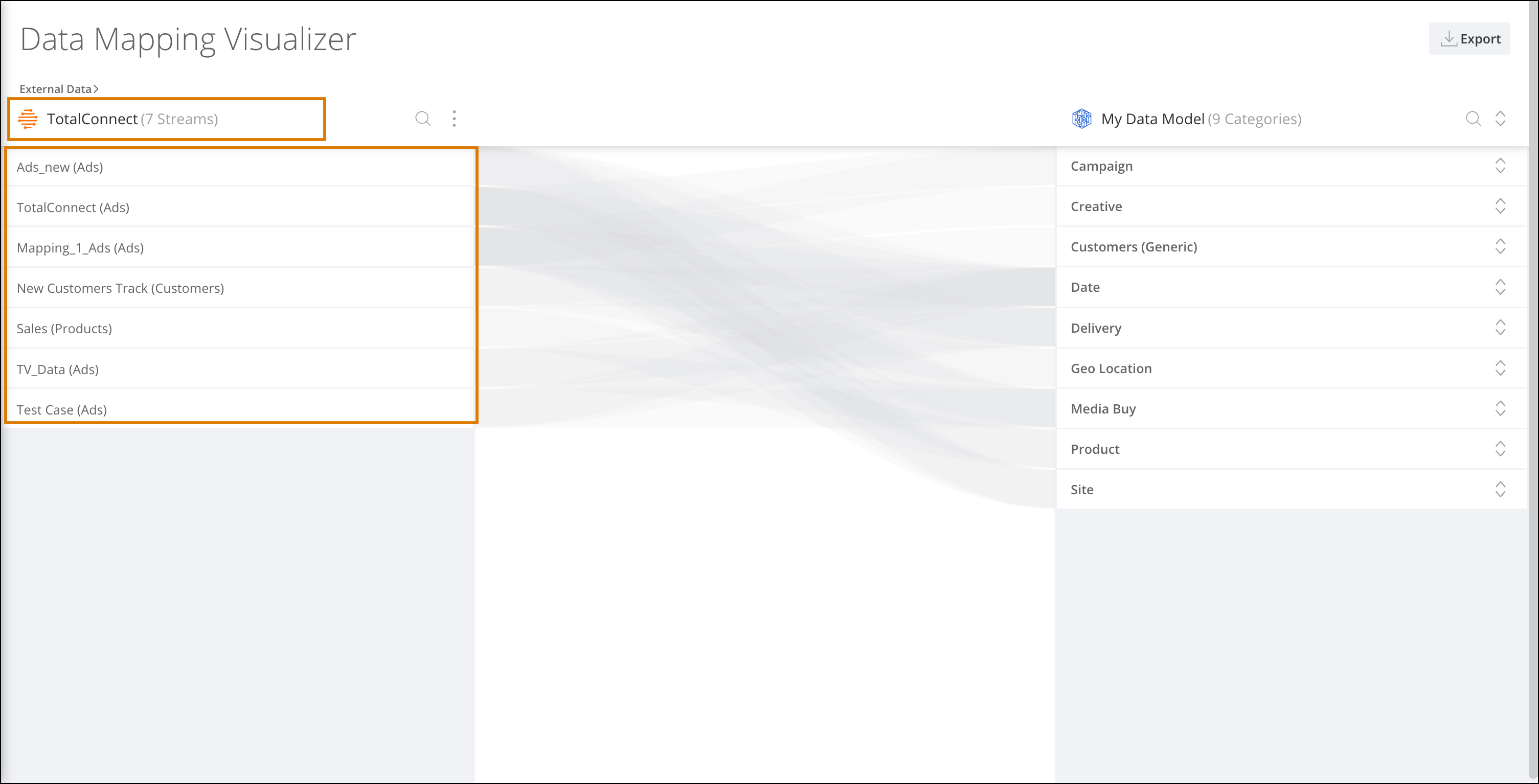
Clicking a source displays all the data streams created for that source.
Clicking a data stream displays the source fields that are mapped within that data stream. You can click the path at the top of the visualizer to go back to a specific source or stream.