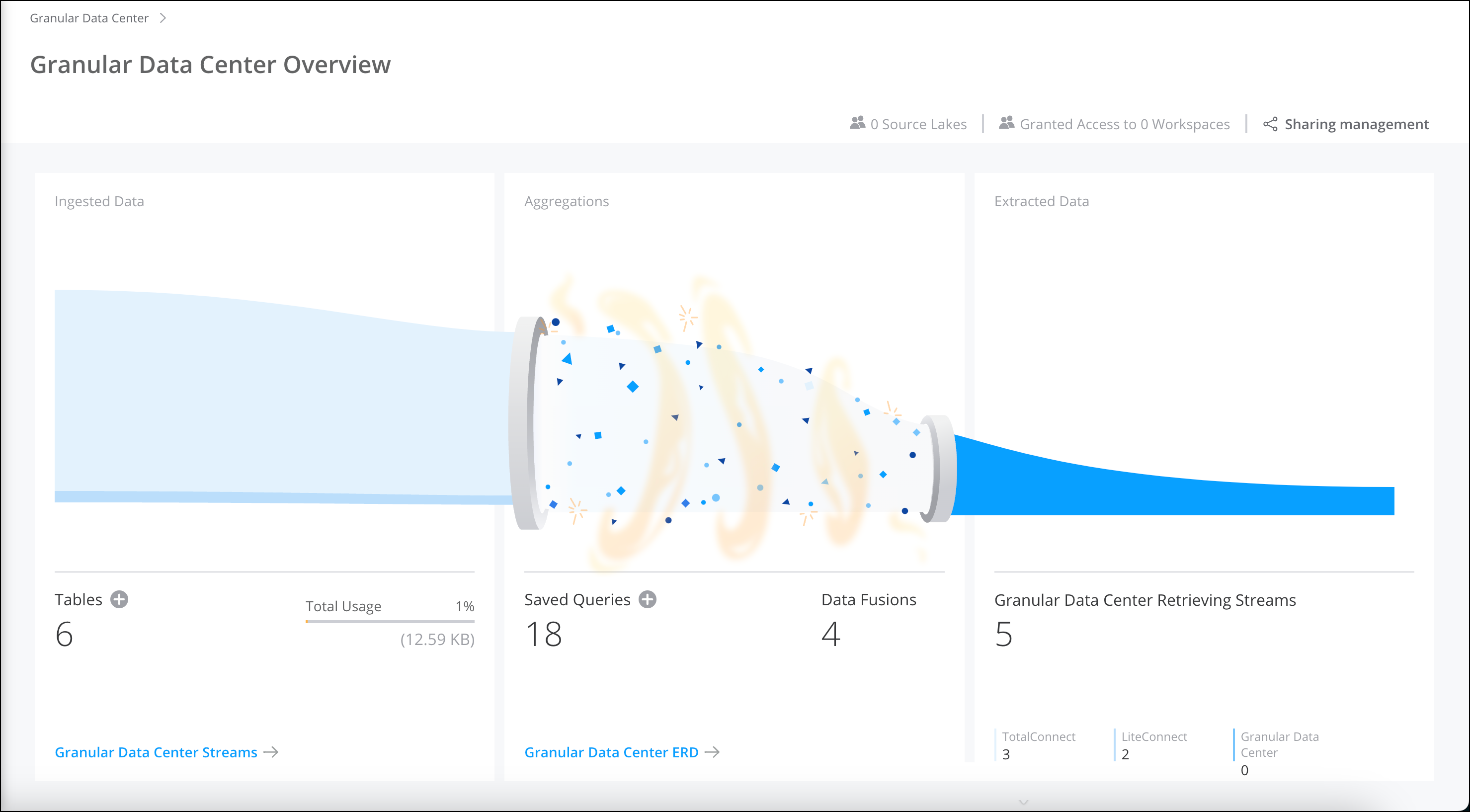
The Granular Data Center landing page summarizes all the Granular Data Center data
streams created in that workspace. View and manage ingested data, aggregations, extracted data,
share data streams, create queries, and more all from one main location.
Required Editions
| User Permissions Needed |
| To view Granular Data Center data: |
Admin |
-
On the Connect & Mix tab, select Granular Data
Center.
The Granular Data Center Overview page shows a visual and
interactive view of all your Granular Data Center data and tables.
-
Hover over an area. For example, in the Ingested Data area, view
which Granular Data Center data was ingested and the number of bytes.
-
View and manage shared Granular Data Centers and share Granular Data Centers directly from
here.
-
Create a Granular Data Center data stream, or view the total usage.
-
Create a query, or go straight to the Granular Center ERD page.
-
View which Granular Data Centers are retrieving TotalConnect, DirectConnect, and Granular
Data Center data streams.