
Share a Granular Data Center with other workspaces to share tables and views with other users.
Required Editions
| User Permissions Needed | |
|---|---|
| To share Granular Data Centers: | Admin |
- From the Connect & Mix tab, select Granular Data Center.
-
At the top of the page, click Sharing Management.
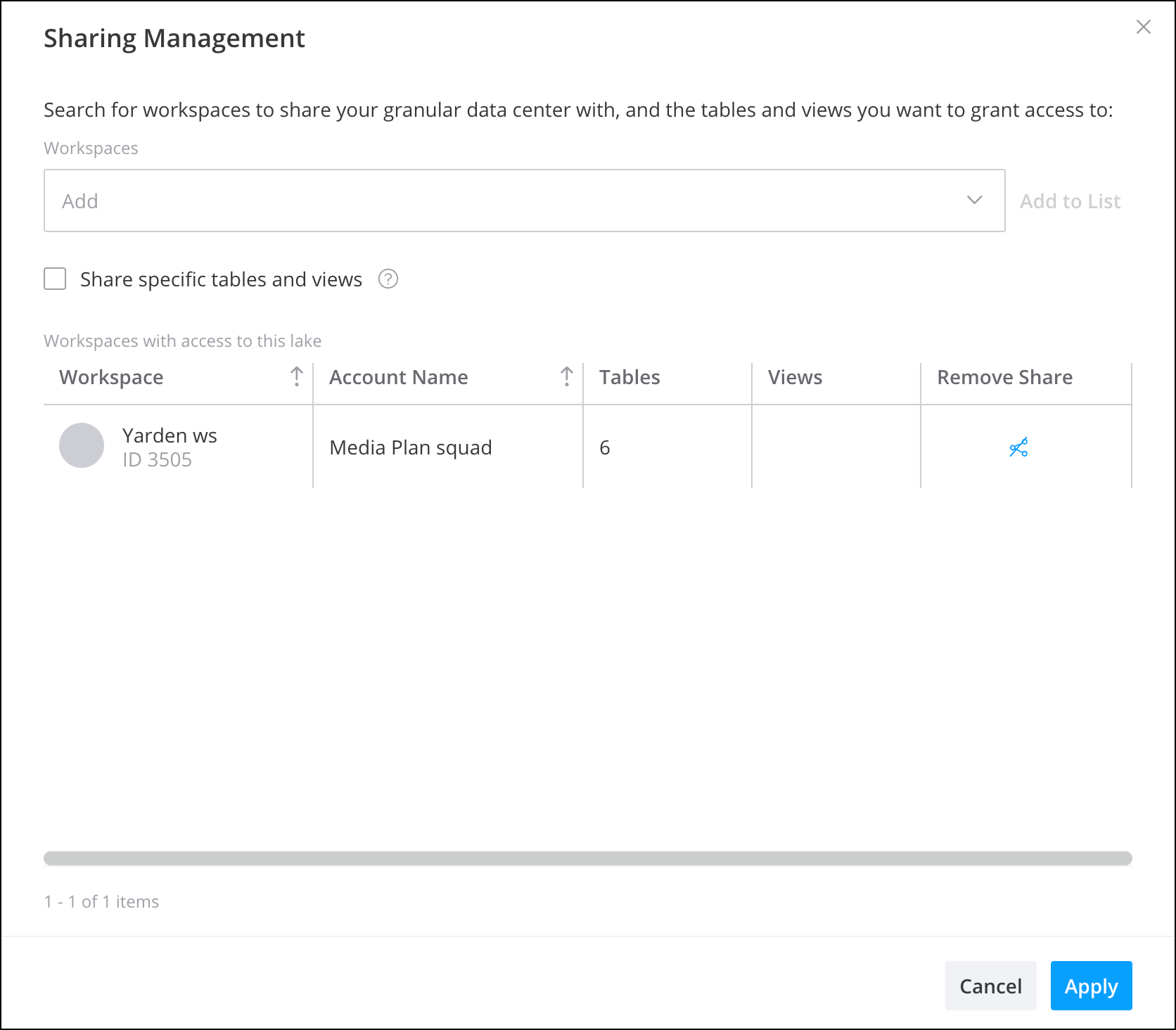
- Search for the names of the workspaces you want to share the Granular Data Center with. All workspaces that have Granular Data Center enabled and that you have access to are listed.
- To share specific tables, from the dropdown list, select the tables.
- To share specific views, from the dropdown list, select the views.
- Click Add to List when you’re done. All shared Granular Data Centers appear in the table.
- To disable Granular Data Center sharing, click Remove Share.
- Click Apply when you’re done.