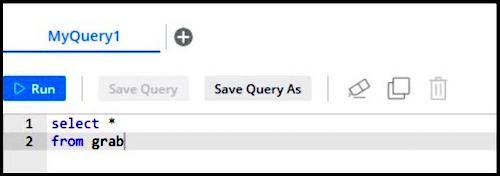
You can call a query from another query by creating a view. The view saves the entire
query statement so that you don’t have to rewrite it.
Required Editions
| User Permissions Needed |
| To create a Granular Data Center query view: |
Admin |
-
From the Connect & Mix tab, select Granular Data
Center, and then Granular Data Query.
-
On the Query Library tab, select a saved query and click
Settings.
-
Under Create View, select Save this query as a logical
view.
-
For Set View Name, enter a name. Use only lowercase letters and no
spaces.
-
Save your changes.
-
To call this view, enter the saved name in a query.