A header transformer customizes the header structure when headers aren’t available. If
you leave the table as is, the first row values appear as the column headers.
Required Editions
| User Permissions Needed |
| To apply a header transformer: |
Admin |
-
From the Connect & Mix tab, select Granular Data
Center, and then Granular Data Center Data Streams.
-
Create a Granular Data Center data stream, or edit an existing one.
-
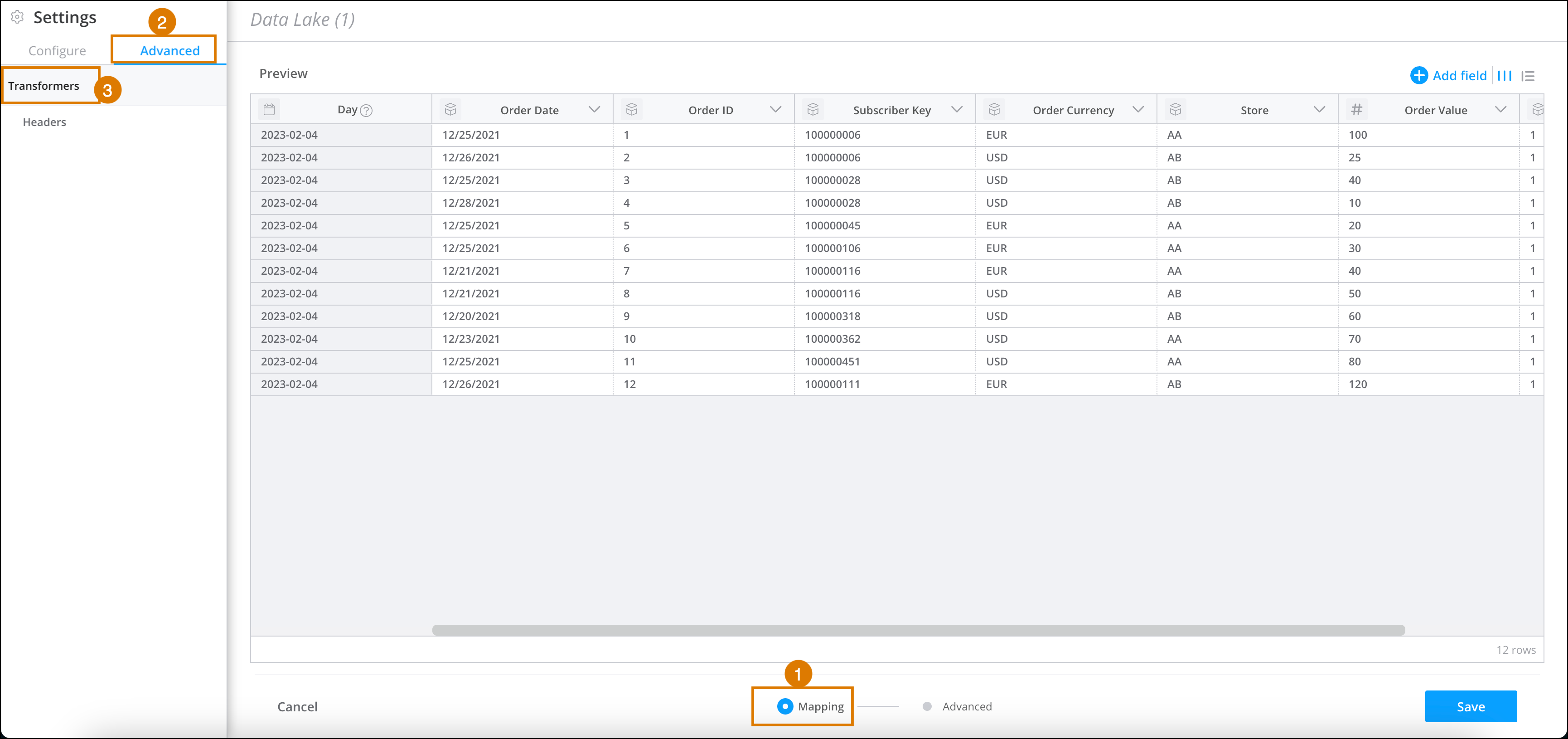
At the bottom of the Granular Data Center page, click
Mapping (1).
-
On the left-hand side of the page, go to Settings, and then select
the Advanced tab (2).
-
Select Headers (3).
-
If your file doesn’t have headers, and you don’t want the platform to choose the first row
automatically in the mapping process, select File has no headers.
-
Click Done.