Use a marketing vendor to pull in your granular data when creating a Granular Data
Center data stream. Marketing vendors are set up the same way as Marketing Cloud Intelligence API
connectors, but these connectors are big data compatible and work differently.
Required Editions
| User Permissions Needed |
| To create a Granular Data Center data stream: |
Admin |
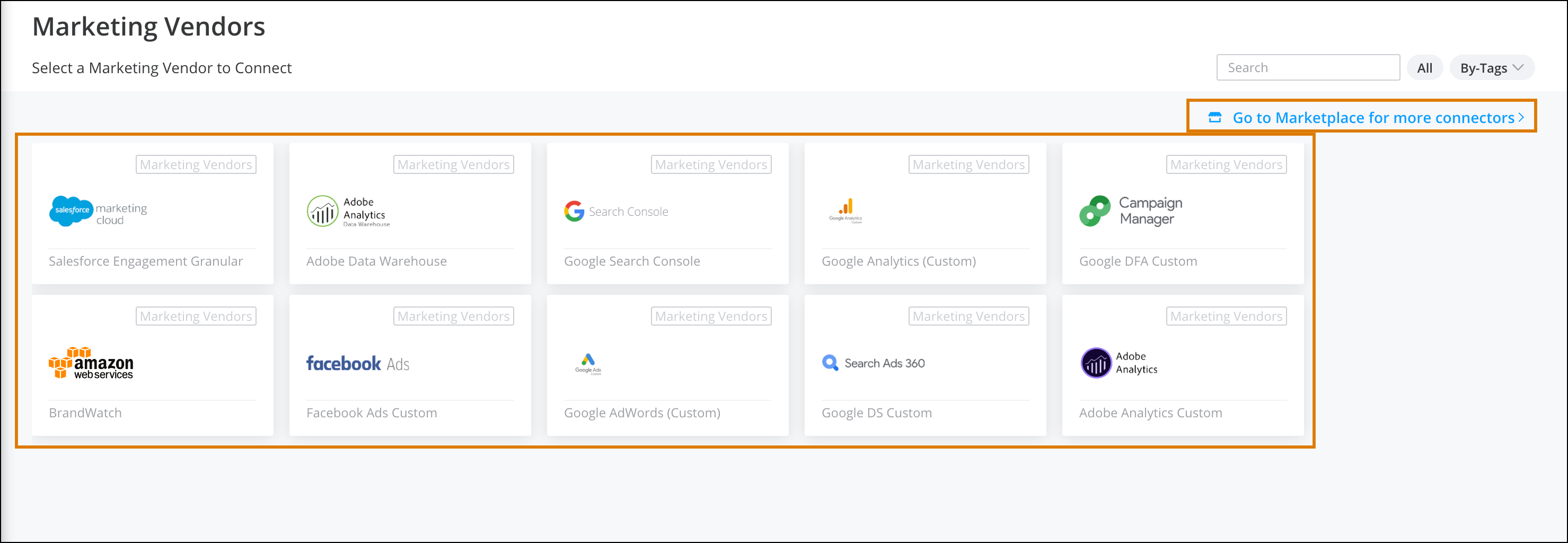
These marketing vendors are supported:
- Salesforce Marketing Cloud Granular
- Adobe Analytics
- Google Search Console
- Google Analytics Custom
- Google DFA Custom
- Amazon Web Services
- Facebook Ads Custom
- Google AdWords Custom
- Google DS Custom
- Adobe Analytics Custom
To create a Granular Data Center data stream:
-
From the Connect & Mix tab, select Granular Data
Center, and then Granular Data Center Data Streams.
-
Click Add New.
-
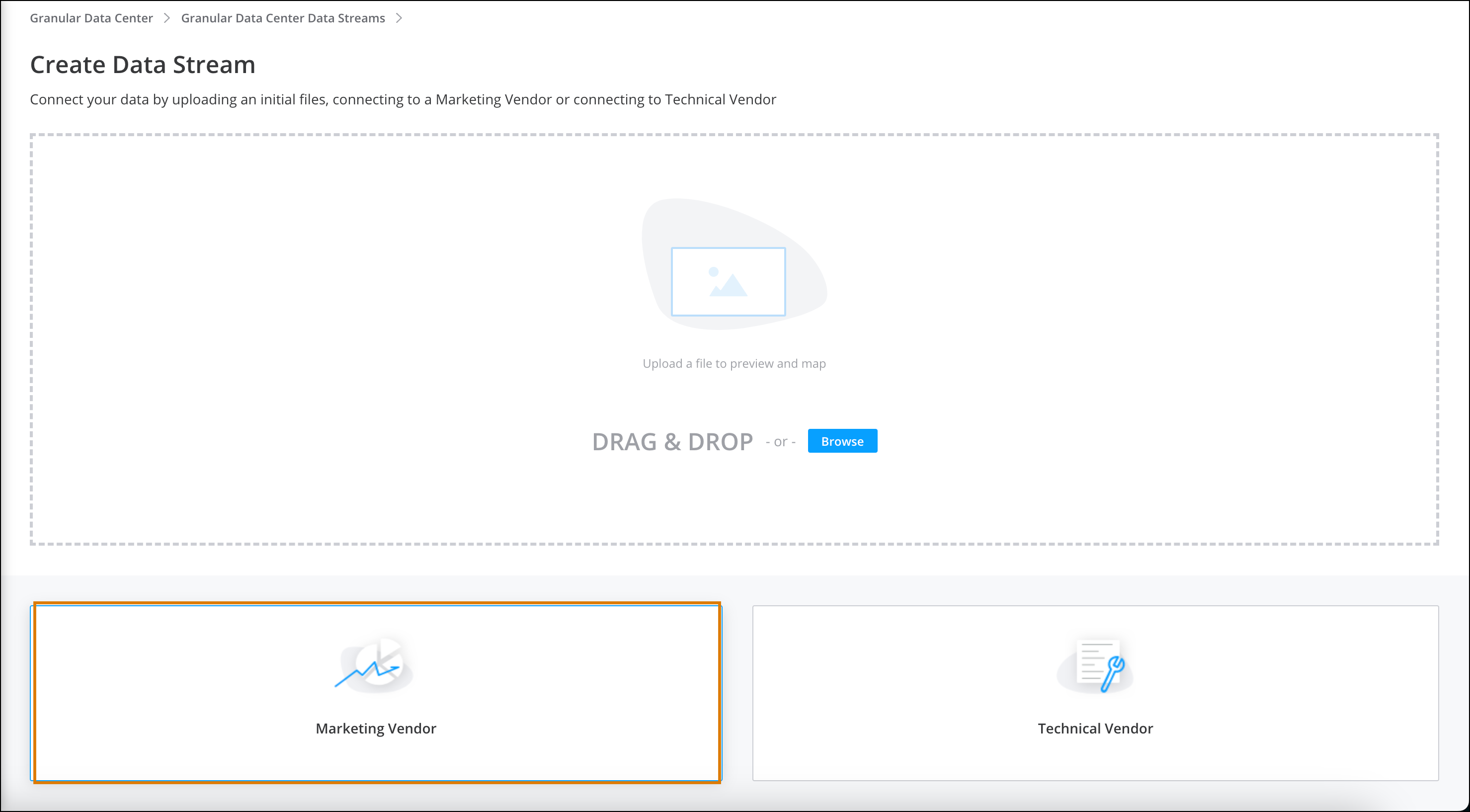
Select Marketing Vendors.
-
Select a marketing vendor from the list.
-
If you don’t see the vendor you’re using, click Go to Marketplace
for more connectors and download it there.
-
Define the connector’s details.
-
To change the mapping and customize the data, click Mapping. (See
Mapping Data Lake Data for
more information.)
-
To define advanced settings, click Advanced Settings. (See Advanced Settings in Marketing Cloud Intelligence Streams for more information.)
Not all settings are relevant to Granular Data Center data streams, so some options don’t
appear or are disabled.
-
Save your work.
A new Granular Data Center data stream is created with all the correlating tables.