When you encounter issues with dimensions, for example an incorrect value, use the
Dimension Explorer to find out what happened. Search for the dimension, discover where the issue
stems from and then fix the issue instantly.
Required Editions
| User Permissions Needed |
| To use the Dimension Explorer: |
Admin |
-
On the Connect & Mix tab, select Dimensions, and then
Dimension Explorer.
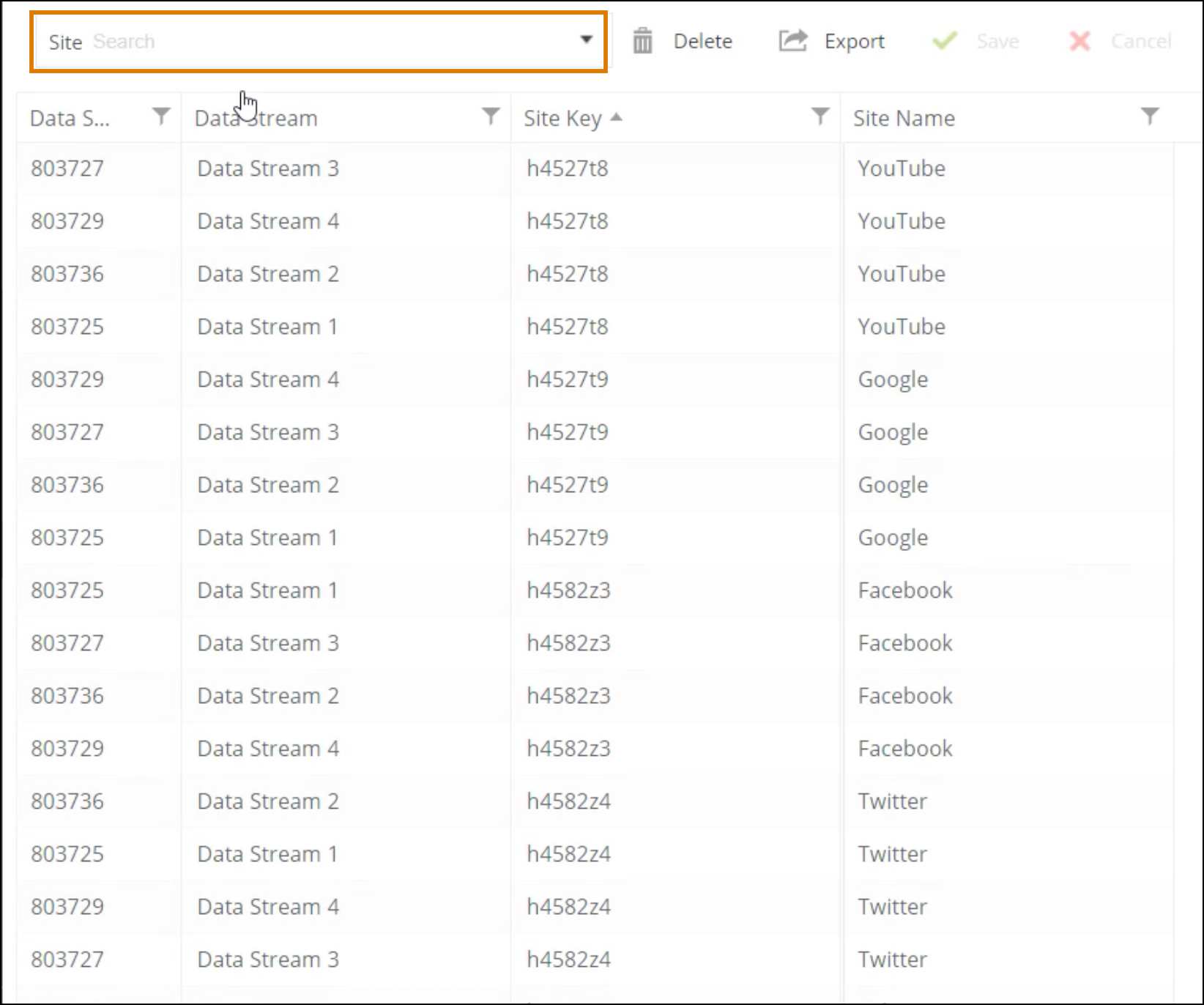
Here you can see all the dimensions that exist in the platform.
-
In the Search bar, enter the dimension you’re investigating. For
example, enter Site.
-
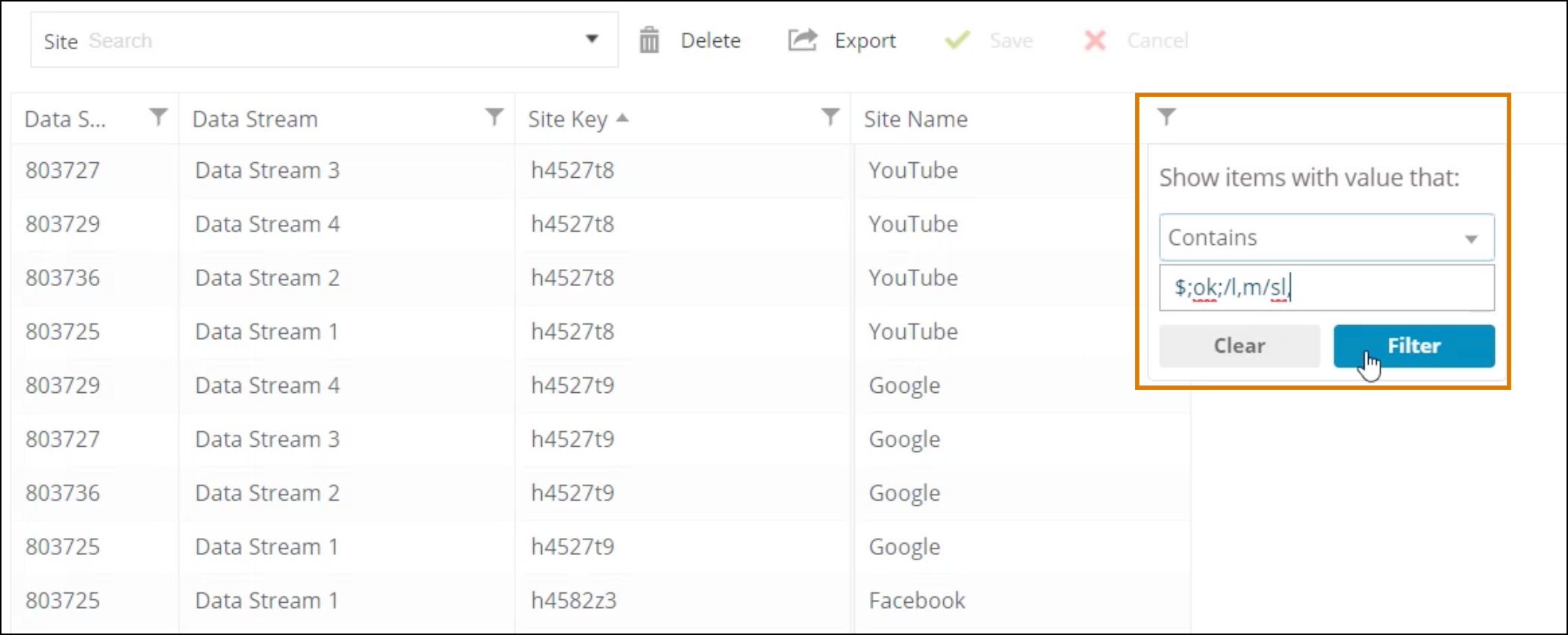
To search for a specific value, click the Filter button and then filter by the incorrect
value.
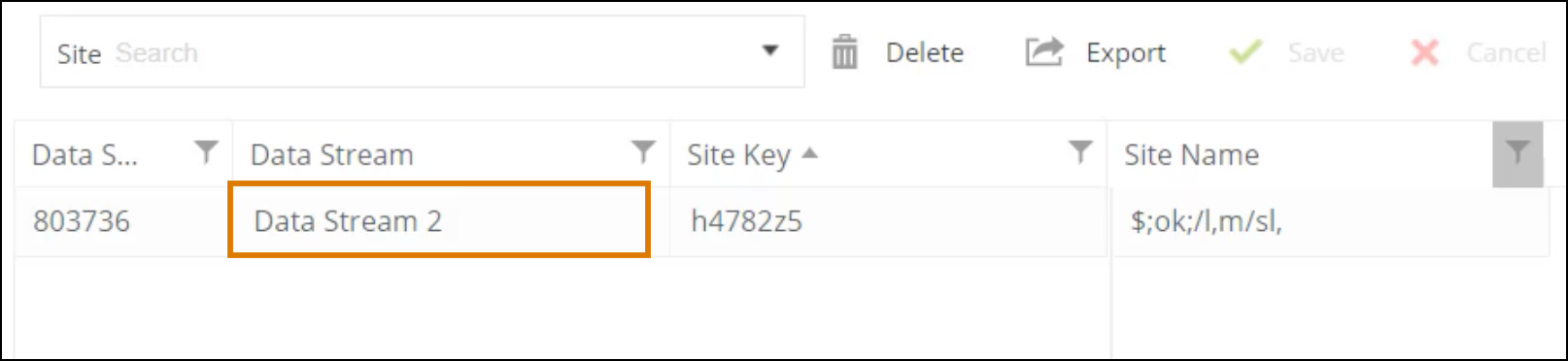
Here you can see this site name comes from Data Stream 2.
You can go back to the data stream, fix it and then reprocess it, or to save time change
the value in the Dimension Explorer.
-
To fix the incorrect value, go to the Site Name column, click and then enter a new value.
-
If the value belongs to old data and won’t be used again, select the row and then click
Delete.
-
Save your work.
Make sure you remove the filter when you’re done so you can see all the dimensions
again.