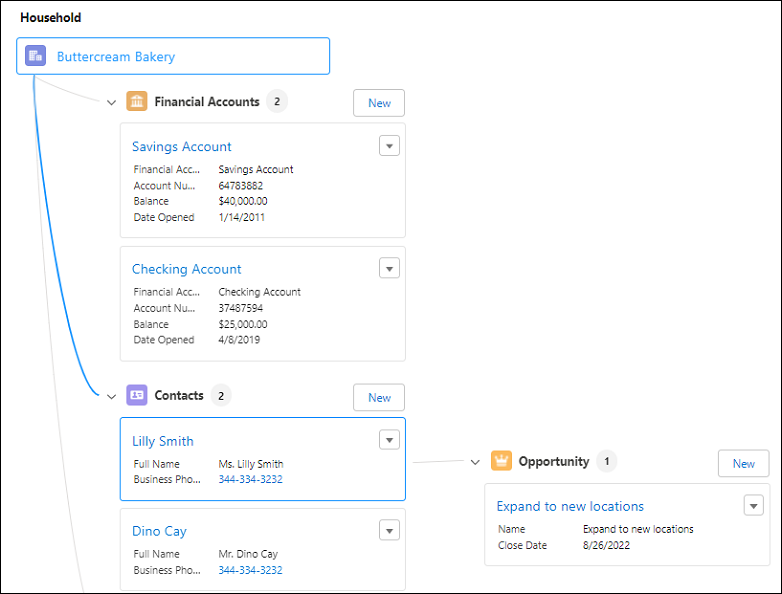
Add a relationship graphs to record pages to show relationships between records.
Required Editions
| View supported product editions. |
| User Permissions Needed | |
|---|---|
| To add the ARC Relationship Graph component to a record page: |
AND Customize Application user permission |
- In Lighting App Builder, on the record page that you're editing, add a Tabs component to the page. A default set of tabs is added.
- Click Add Tab in the Tabs component properties to add a new tab.
- Click the new tab and customize the Tab Label. Then click Done.
-
Select the new tab on the canvas to add ARC components.
- Drag ARC Relationship Graph component from the Components panel to the new tab in the Lightning page.
-
Configure the graph in the properties pane.
- Enter a Label.
- Select a Relationship Graph with the same root node as the object record page.
- Select Component Visibility.
- Save your changes.