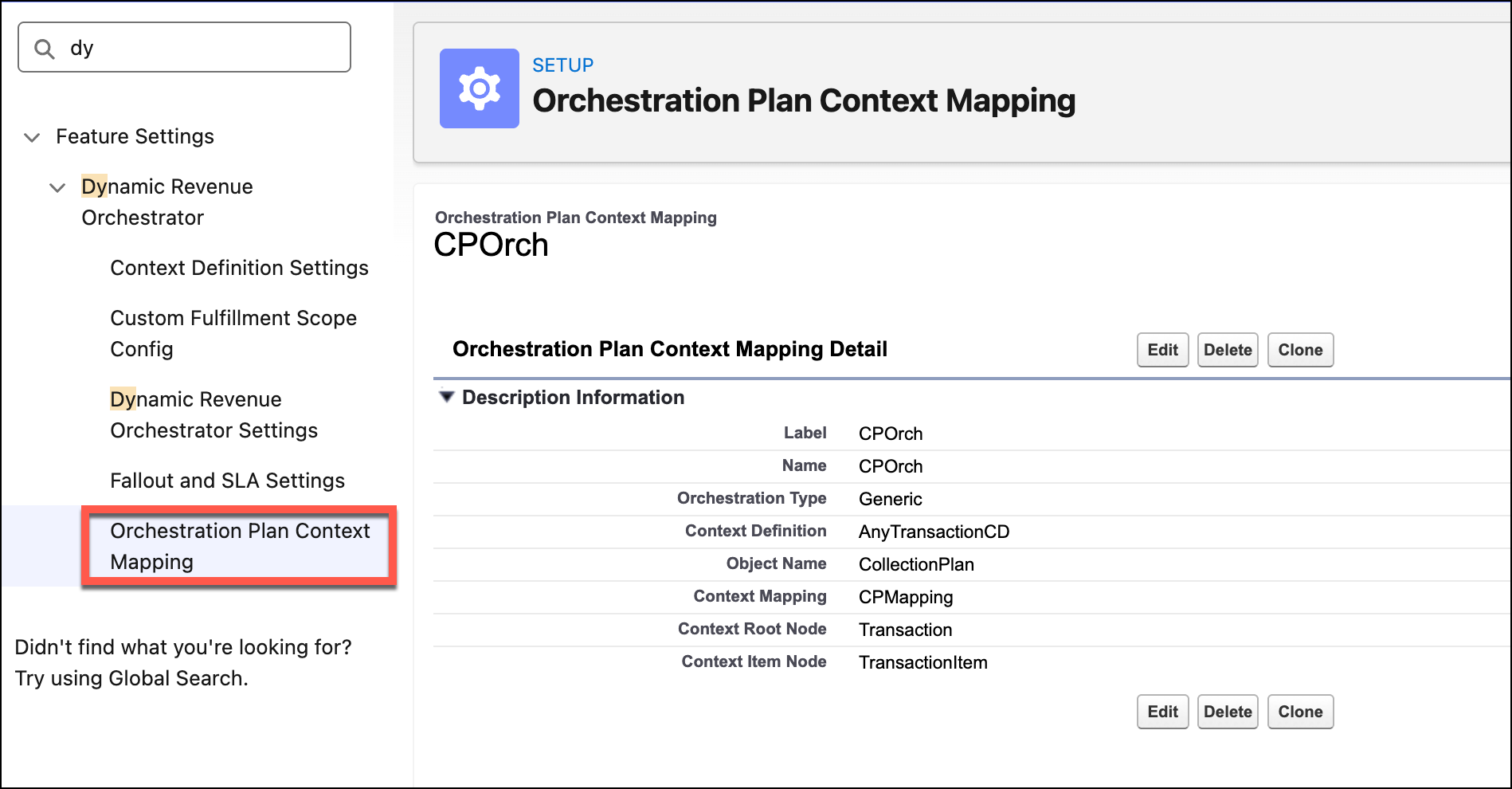
Create an orchestration plan context mapping entry to connect the business data in an
object to the orchestration logic within Dynamic Revenue Orchestrator (DRO) by using the
orchestration type. DRO includes the Generic orchestration type to orchestrate non-sales
transaction objects.
Required Editions
| Available in: Enterprise, Unlimited, and Developer
Editions |
| User Permissions Needed |
| To create the custom context definition: |
DRO Admin User |
Keep these considerations in mind when creating a mapping.
- Create one mapping entry for a specific object for DRO to orchestrate.
- Map an orchestration type to only one context definition to maintain an exclusive
relationship between the orchestration process and its logic.
- Use the same orchestration type while creating the mapping as the usage type of the
orchestration components.
Create the Orchestration Plan Context Mapping entry using these fields:
| FIELD NAME |
REQUIREMENT |
DESCRIPTION |
| Object Name |
Mandatory |
The API name of the object for orchestration. |
| Context Definition |
Mandatory |
The context definition to be used for the object. |
| Context Mapping |
Mandatory |
The name of the context mapping to apply. |
| Root Node Name |
Mandatory |
The node name that represents the root in the context definition. |
| Item Node Name |
Optional |
The node name that represents an item in the context definition. |
| Orchestration Type |
Mandatory |
Select Generic orchestration type. |