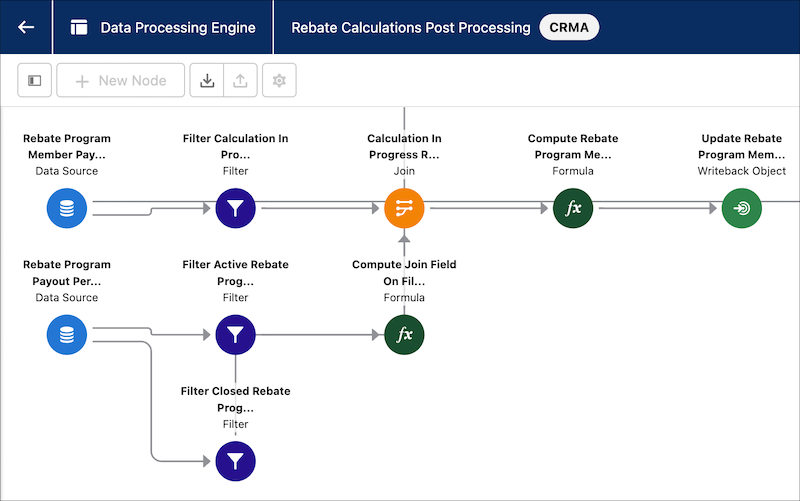
The node canvas provides a visual representation of your definition’s nodes, so you can
see how the nodes are related to one another. Each node type has a different color, and the
icons indicate what the definition contains.
Required Editions
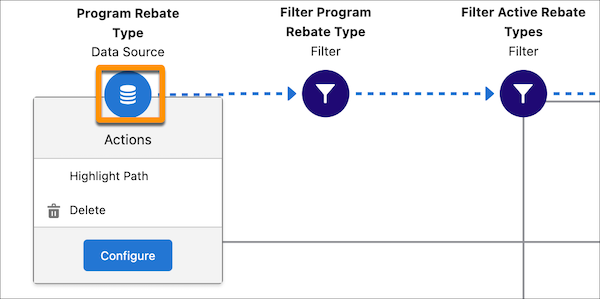
To configure or delete a node or highlight its path, click the node to open the menu.
To create nodes, Add Data Source Nodes to Your Definition. For information about reference nodes,
see View Reference Nodes.
Use the  button to zoom in or out or fit the layout to the screen.
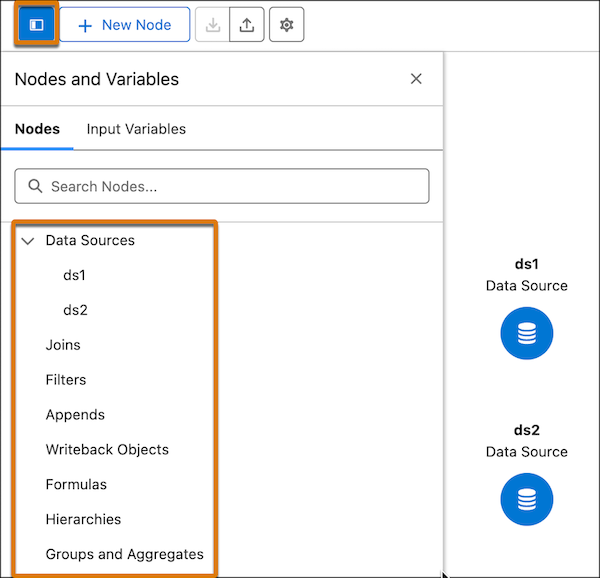
To view the nodes contained in your definition, click Nodes and
Variables.