Your users can save drafts of Discovery Framework-based assessments that they’re not
ready to complete. Easily find the draft assessments that are in progress and complete them at
their convenience.
Required Editions
-
From Setup, in the Quick Find box, enter Discovery Framework, and then select
General Settings.
-
Turn on Save Assessment As Draft.
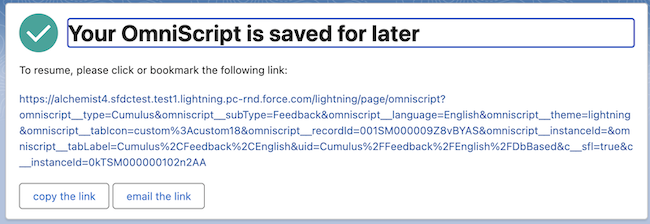
If the end users aren't ready to complete an assessment, they can click
Save For Later, to save the assessment as draft. To resume the
assessment, users can either email themselves the link to the assessment or use the link
provided after saving the assessment as draft.
The CRM users such as support reps can complete the draft assessment for the
end-user by using the Assessment Library in the Assessment Lightning web
component.

