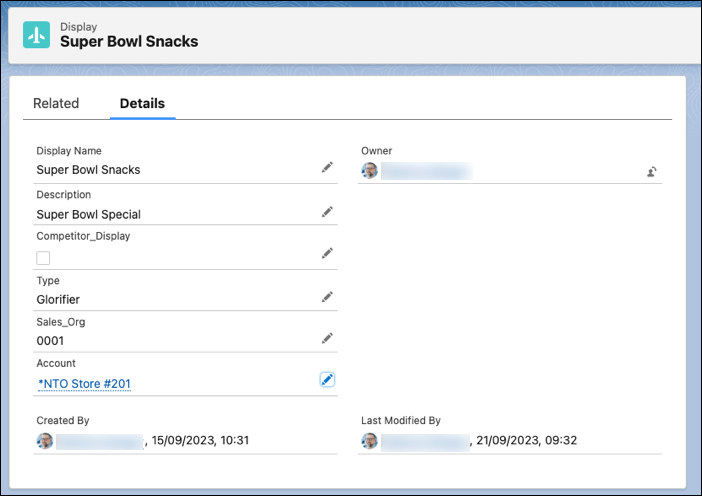
To sync display data by using named queries, add an account lookup field to the
Display object in Consumer Goods Cloud. Then, to sync the Display account data to the
offline mobile app, add the account field to the mobility relevant field sets.
Required Editions
|
Available in: Lightning Experience
Available in: Enterprise and
Unlimited Editions where Consumer Goods Cloud is enabled
|
| User
Permissions Needed |
| To add account lookup field |
CGCloud Business Admin
|
-
From the object management settings for Display, go to Fields &
Relationships and then click New.
-
Select Lookup Relationship and then click
New.
-
In Related To, select Account and click
Next.
-
In Field Label and Field Name, enter Account.
-
Save your changes.
-
To add the lookup field to the mobility relevant field set, open the Mobility
Relevant field set of the Display object.
-
Drag and drop the Account field to the In the Field Set
box.
-
Save your changes.