Grant users access to Context Service objects and features.
Required Editions
| Available in: Lightning Experience |
| Available in: Developer, Enterprise, Professional, and
Unlimited editions for Industries clouds where Context Service is
enabled
|
| User Permissions Needed |
| To turn on Context Definitions: |
Customize Application |
-
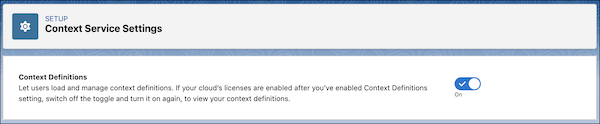
From Setup, in the Quick Find box, enter Context Service, and then
select Context Service Settings.
-
Turn on Context Definitions.
- Permissions for Context Service Users
You can create and manage context definitions easily and efficiently by using permission set licenses assigned to your users. Permissions are added to specific user personas to complete work assigned to their role. System admin users have default access to Context Service without requiring any specific permission set licenses.