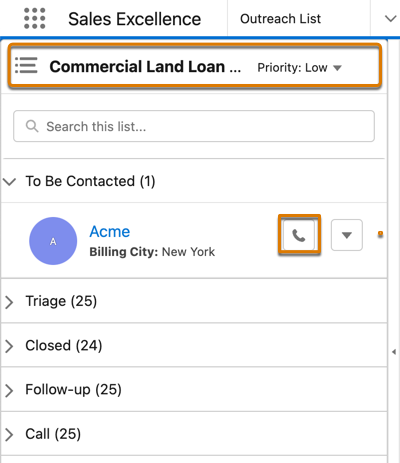
You can call a prospect directly from the record in
Outreach List and increase the chance of converting them into a customer.
Required Editions
| Available in: Lightning Experience |
| Available in: Enterprise, Professional, Starter, and
Unlimited Editions
|
-
Click the header portion of Outreach List.
-
Search for or select an actionable list.
-
Search for a prospect, or expand the section that contains the prospect you want to
contact.
-
To see details on the right side of the screen, click the prospect.
-
To see the prospect's phone numbers, click
 next to the
prospect's name.
next to the
prospect's name.
-
To call the prospect, click a phone number.