To prevent billing information from taking up too much storage in your org, use the Billing Data Trim setting to purge old billing statements.
To create a new Billing Data Trim Setting:
- From Setup, in the Quick Find box, enter Custom Settings.
- Click Custom Settings.
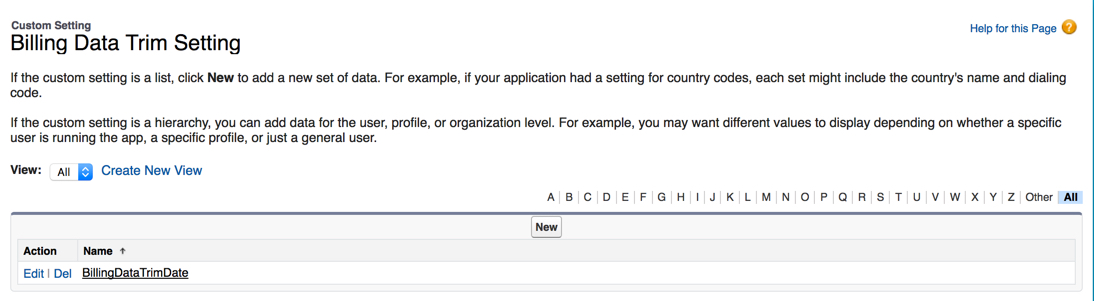
- Next to Billing Data Trim Setting, click Manage.
- Click New.
-
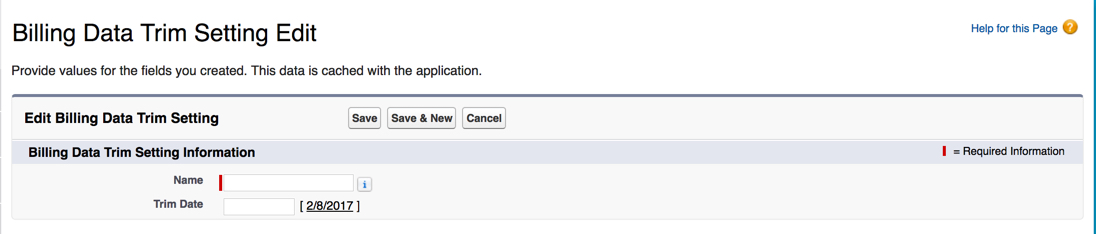
On the Billing Data Trim Setting Edit page, enter the following
information:
-
Name is the setting name.
-
Trim Date is a cut-off date. All billing statements before this date are deleted from the system.
-
- Click Save.