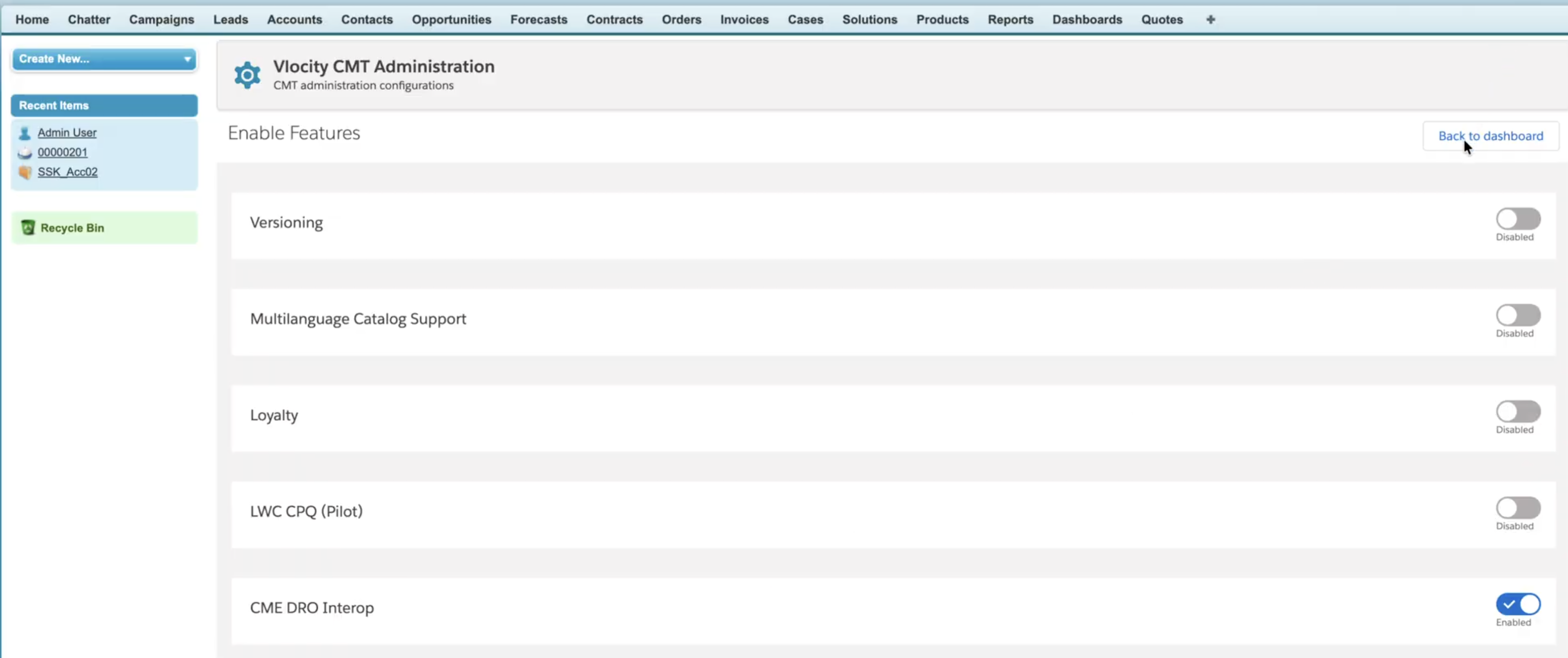
This configuration activates the Dynamic Revenue Orchestrator (DRO) and Inflight
features for managing complex order fulfillment and mid-stream changes. It grants necessary user
permissions for designing and applying workflows while enabling CME DRO Interop.
Required Editions
| Available in: Lightning Experience |
| Available in: Enterprise, Unlimited, and Developer
Edition. |
| User Permissions Needed |
| Set of permissions required for CME-DRO Setup: |
RevenueLifecycleManagementAddOn |
The steps to add permissions and setup DRO in the customer's org.
-
Log in to the org.
-
In Setup, find and select Dynamic Revenue Orchestrator.
-
On its Settings page, turn on DRO and then turn on Inflight.
-
From Setup, in the Quick Find box, enter Users, and select the
user.
-
Select the permission set for the user and assign the listed permissions:
-
DRO Admin User
-
Fulfillment Designer
-
Fulfillment Manager or Operator
-
Save Transactions and Fulfillment User
-
Go to the Vlocity CMT Administration tab and click
Enable Features.
-
Find and select CME DRO Interop setting.