In a unit rate cost component, the Usage Price Total field value is the Usage Price field value multiplied by the Usage Quantity field value. Making an attribute editable in Industries Cart is much easier than making a field editable. Therefore, to set the Usage Quantity value from within Industries Cart, creating an attribute binding is strongly recommended.
If you are using dynamic usage pricing, you don't need to create these attribute bindings, because a calculation matrix determines how the Usage Quantity field is set.
- Switch to Salesforce Classic.
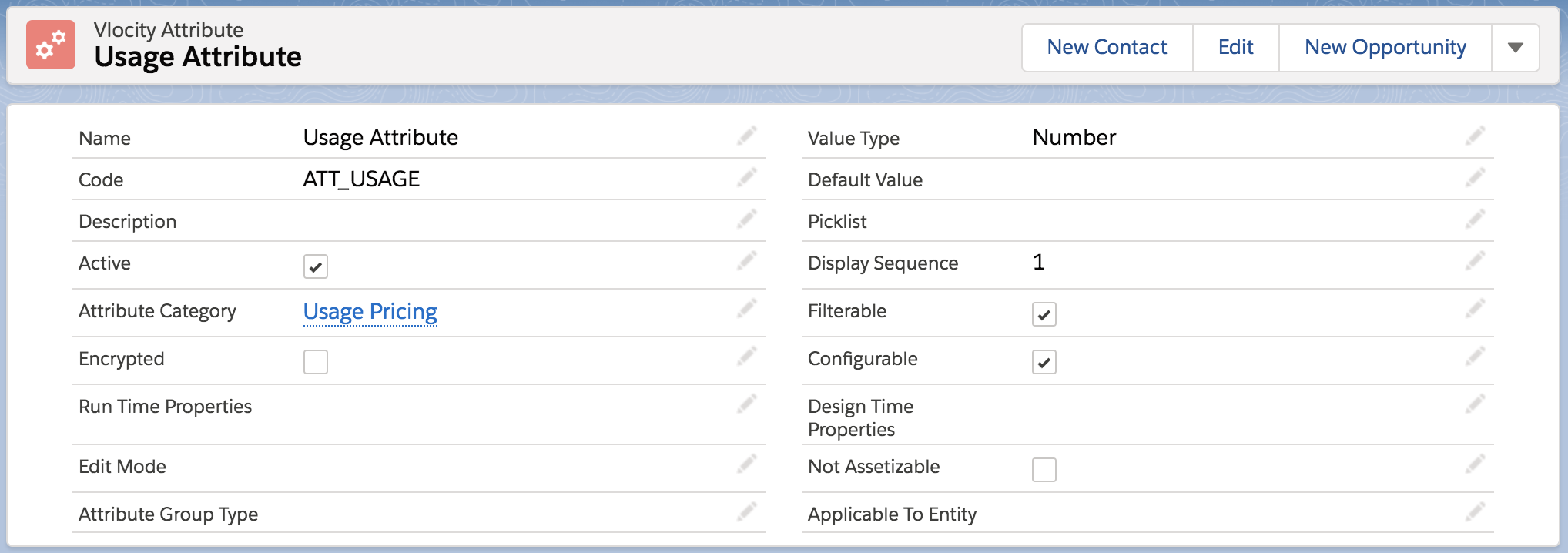
- Create an attribute. For example:
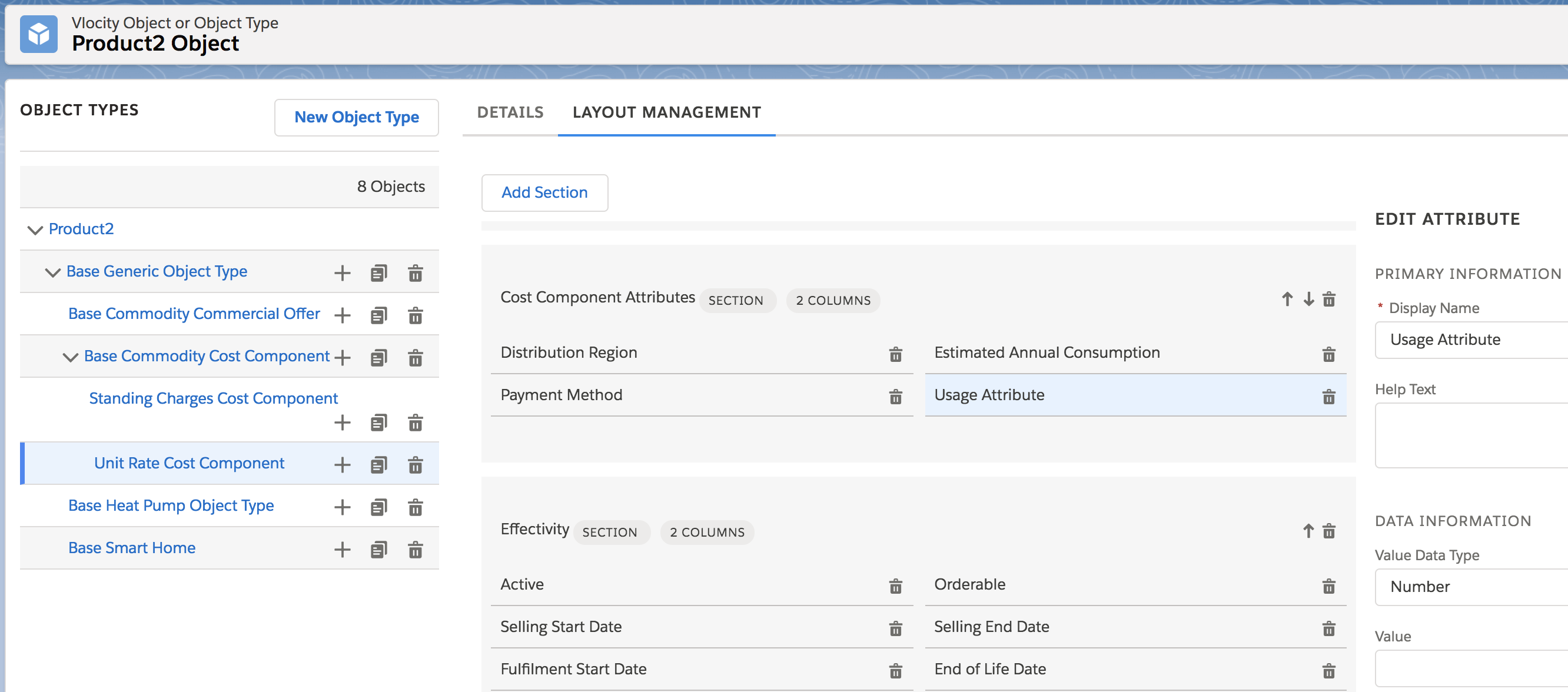
- Add the attribute to an object type for a unit rate cost component. For example:
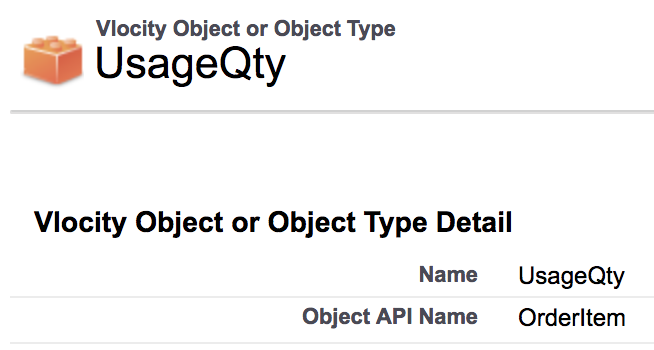
- On the Vlocity Object or Object Type tab, set the Object API Name to OrderItem, which is the object to which the attribute binds in Industries Cart.
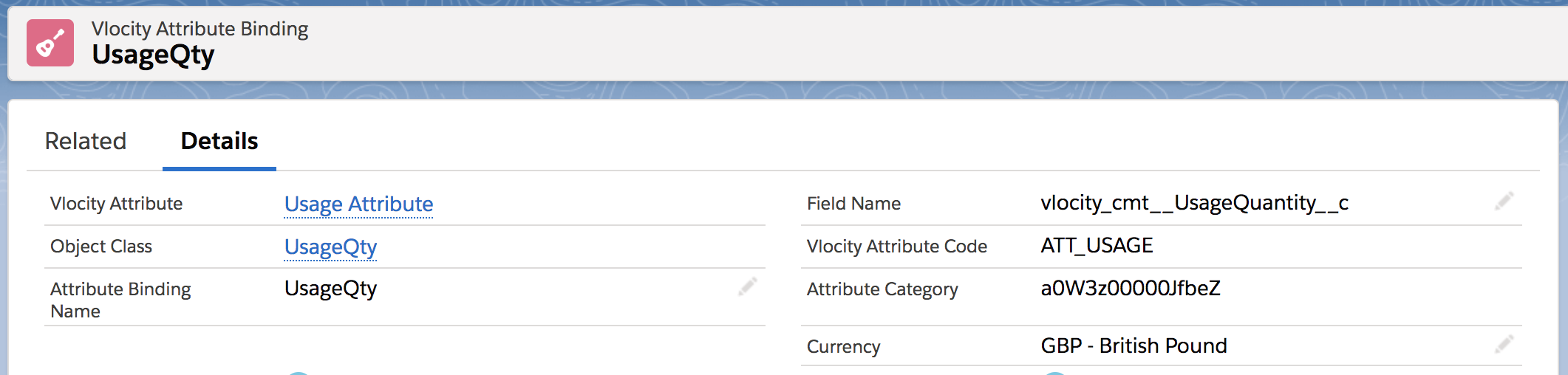
- Bind the attribute to the UsageQuantity__c field. For example:
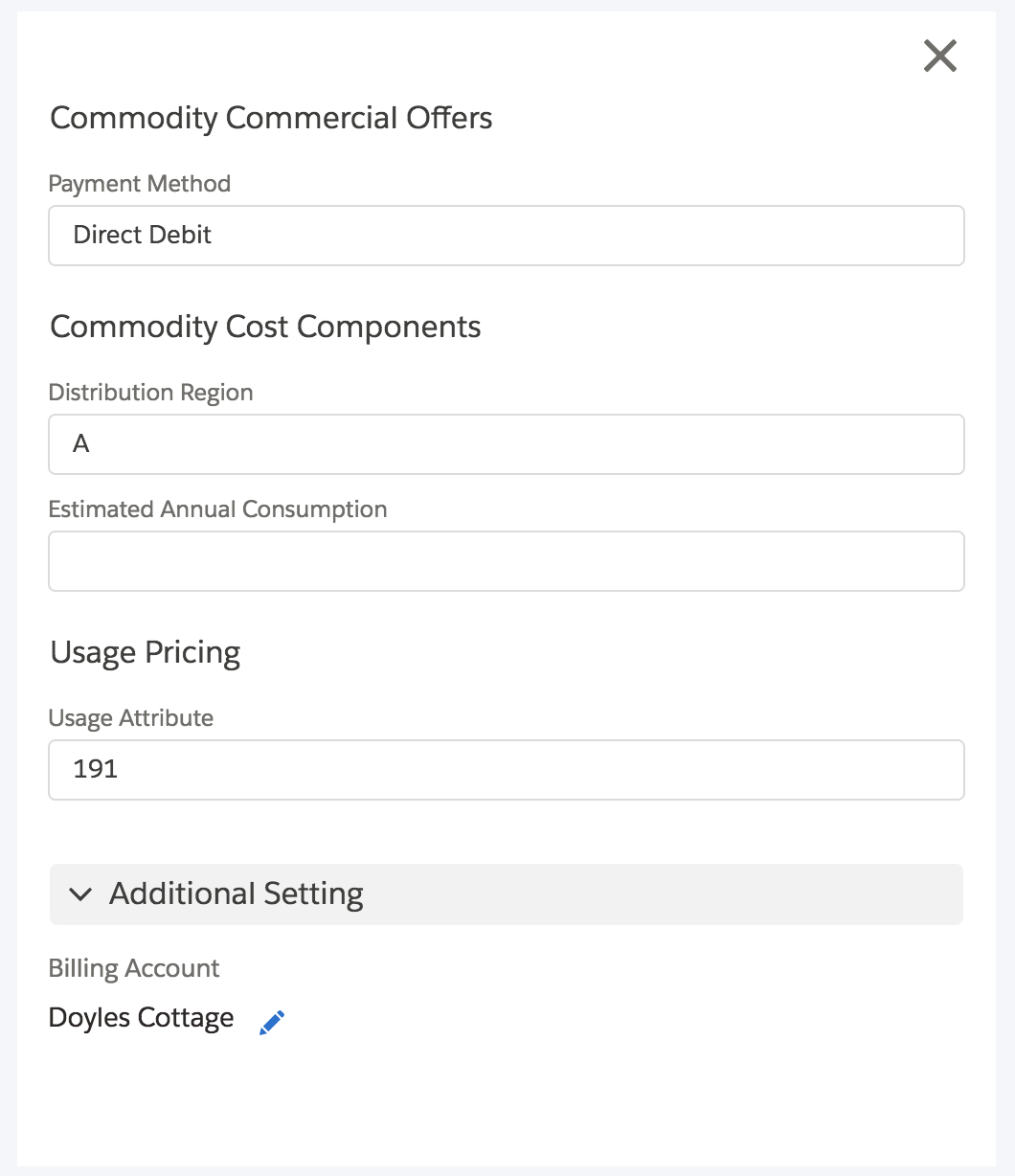
- You can then edit the attribute value in Industries Cart when you select the Configure option for a line item. For example: