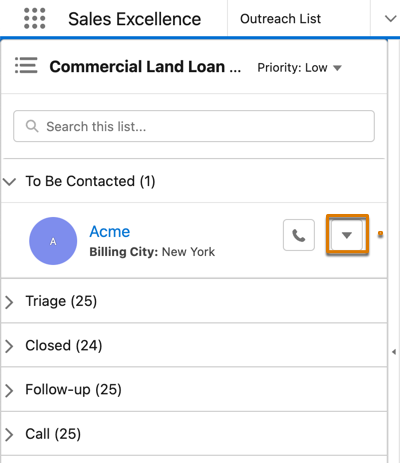
After contacting a prospect, you can update the
engagement status instantly and keep the prospect's record up to date.
Required Editions
| Available in: Lightning Experience |
| Available in: Enterprise, Professional, Starter, and
Unlimited Editions
|
-
To change the engagement status of a prospect, click
 next to the prospect's name.
-
Click Change Status.
-
Select a status in the pop-up window.
-
Save your changes.
The prospect's record automatically moves to the section associated with the selected
status.