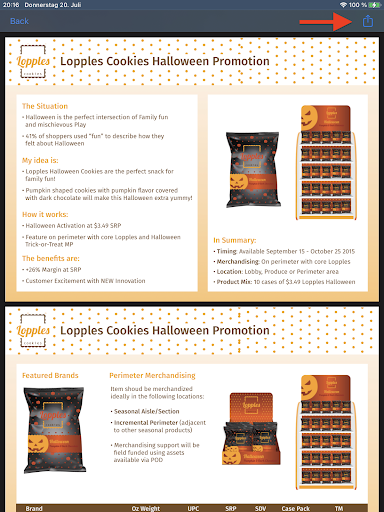
You can share PDF, XLS, and DOCX files from your Consumer Goods Offline mobile app using
the Sharing button on the Attachment tab.This feature applies only to iOS users.
Required Editions
| Available in: Lightning Experience in Professional, Enterprise, and
Unlimited Editions that have Consumer Goods Cloud enabled
|
| User Permissions Needed |
| To share attachments: |
Consumer Goods Cloud Sales User |
-
From the Attachments tab, open and preview the relevant attachment.
-
Click Sharing.