
Trigger actions by using flows when decision table operations complete asynchronously.
Required Editions
| Available in: Lightning Experience |
| Available in: Enterprise, Unlimited, and Developer Editions for clouds that have Business Rules Engine enabled |
| User Permissions Needed | |
|---|---|
| To create, edit, and activate a decision table: | Rule Engine Designer |
| To run decision tables: |
Rule Engine Designer OR Rule Engine Runtime |
- In Setup, find and select Flows.
- Click New Flow.
- Select Triggered Automations, then select Platform Event-Triggered Flow.
- In the Flow Builder, in the Platform Event-Triggered Flow element, click Choose Platform Event.
-
In Platform Event, find and select DecisionTableActionEvent.
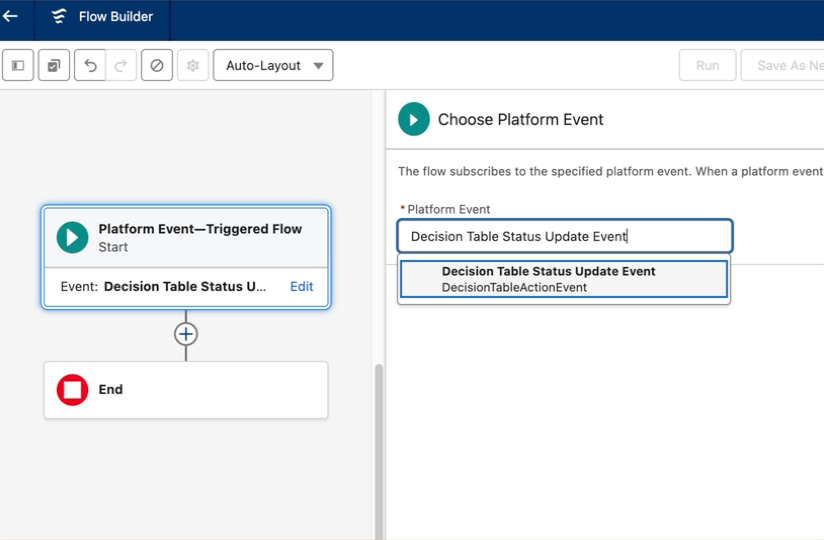
-
Configure the flow.
For example, you can update the Decision Table description with the event details.
- Save and Activate your flow.
When a DecisionTableActionEvent is completed asynchronously, it triggers your flow.