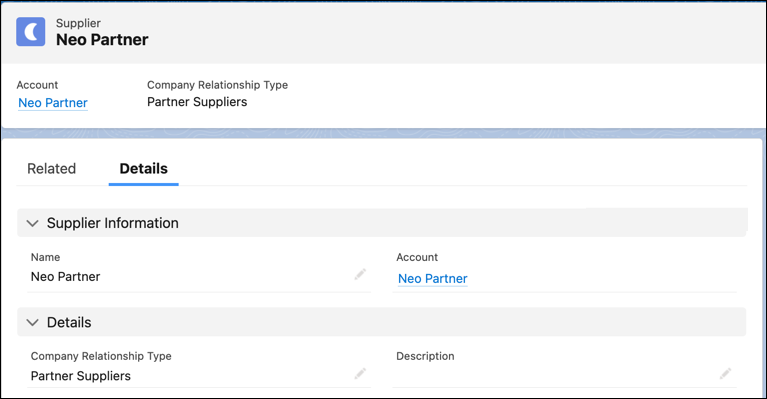
Capture key information about vendor and supplier accounts that supply raw materials or
product components to your company. You can also capture information about third-party vendors
that provide utilities and services, such as electricity, heating and ventilation, and
transportation.
Required Editions
| Available in: Enterprise, Unlimited, and Developer
Editions. |
| User Permissions Needed |
| To create suppliers: |
Automotive Foundation permission set |
Make sure your admin has defined picklist values for the Company Relationship Type field on
the Supplier object in Object Manager.
-
From the App Launcher, find and select Suppliers.
-
Click New.
-
Search for and select an account.
-
Enter a name for the supplier.
-
For Company Relationship Type, select the types of services that the supplier provides,
such as Utility Provider, Energy Provider, or Third-Party Services.
-
Save your changes.