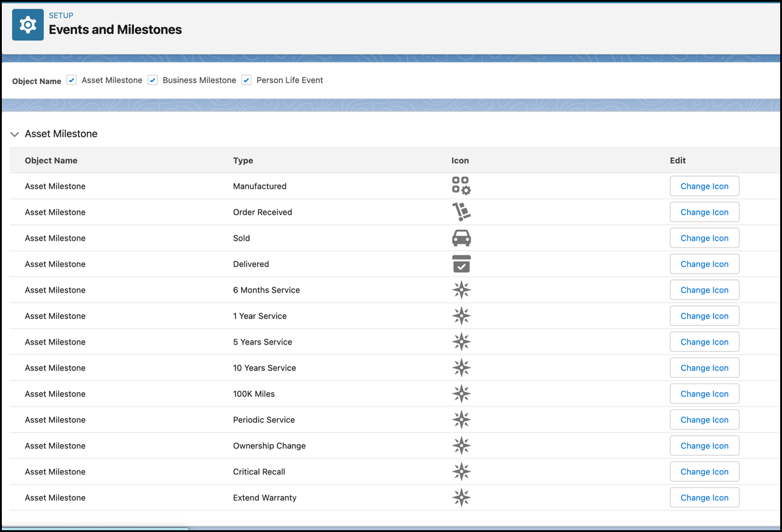
Use icons to identify the event types or milestone types that you create. You can
replace the default icon for life event types, business milestone types, financial account
milestone or asset milestone types with your own icons. For example, if you create an Asset
Milestone type for 10,000 Miles Completed, you can use an odometer icon to signify the
milestone.
Required Editions
| Available in: Enterprise, Unlimited, and Developer
Editions. |
| User Permissions Needed |
| To customize Person Life Events, Business Milestones, and Asset Milestones: |
Customize Application |
-
From Setup, in the Quick Find box, enter Events and Milestones, and
then select Events and Milestones.
-
For Object Name, select one or more from Life Events, Business Milestones, Financial
Account Milestones, and Asset Milestones.
-
For the milestone or event type for which you want to change the icon, click
Change Icon.
-
Click Upload Files, and select the SVG file for the icon.
-
Save your changes.