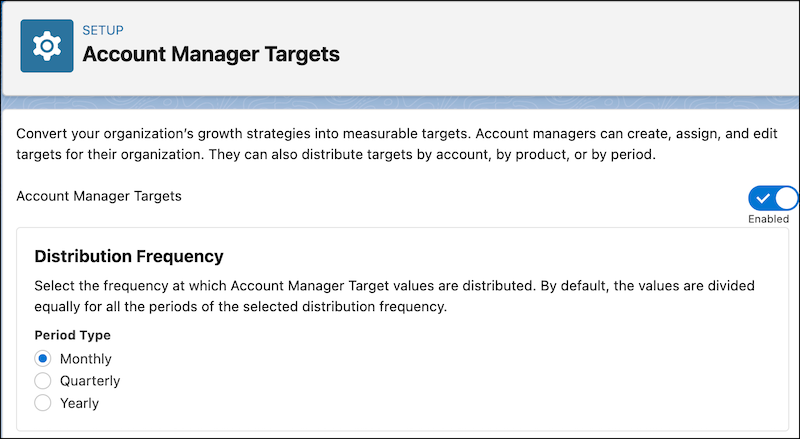
Select the frequency of the periods by which the account manager targets are distributed
when an account manager distributes targets by period. The value of a target is automatically
divided among all the periods with the selected frequency equally. Account managers can update the
distributed target values in different periods.
Required Editions
| Available in: Enterprise, Unlimited, and Developer
Editions |
| User Permissions Needed |
| To modify target distribution frequency: |
Customize Application |
-
From Setup, in the Quick Find box, enter Account Manager Targets,
and then select Account Manager Targets.
-
In the Distribution Frequency section, select a period type.
The default period type is Monthly.