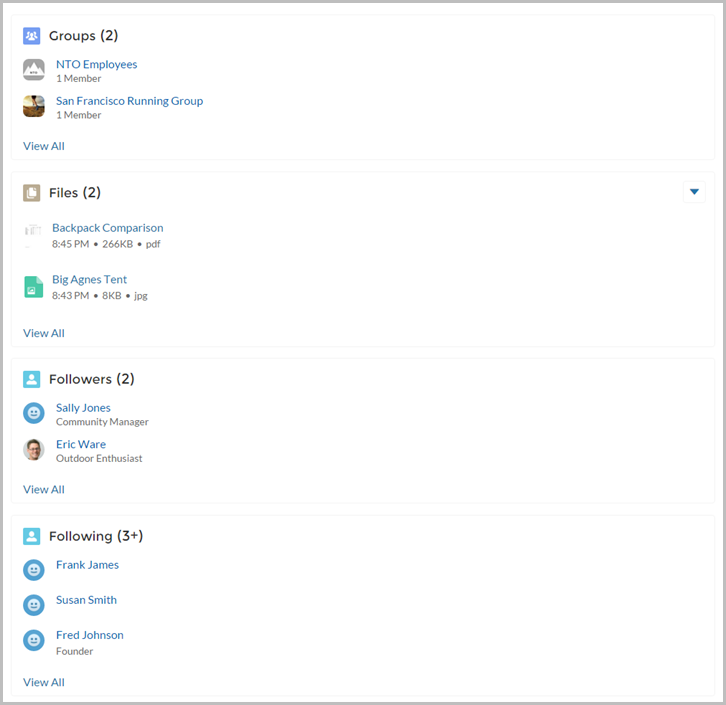
The User Profile Related List component shows lists of a user’s files, groups, followers, and who they’re following.
Add the User Profile Related List component to the User Profile page to show a
user’s related lists. Users can view full details for a
related list by clicking View All at the bottom of the list.
On the Files related list, users can click  to upload a
file.
to upload a
file.
You can customize which related lists are visible in your site by editing the User Profile page layout.
- Select the User Profile Related List component.
-
In the property editor, configure the properties
for the component.
Property Details User ID The system supplies this value. Don’t update this field.

Example Sample User Profile Related List component