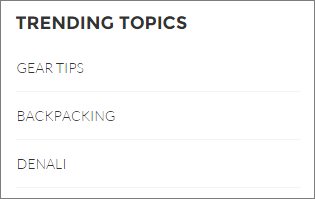
The Trending Topics component displays the popular topics in your Experience Builder site.
In the Page Editor, you can configure the Trending Topics component on the Home page.
- Select the Trending Topics component.
-
In the property editor, configure the properties
for the component.
Property Details Title Enter a title for the list of trending topics. The default text is Trending Topics. Number of Topics Enter the number of trending topics to display. You can display a maximum of five topics at a time. Show the number of people using the Topic To show the number of people who are using the topic, check the box.

Example Sample Trending Topics component: