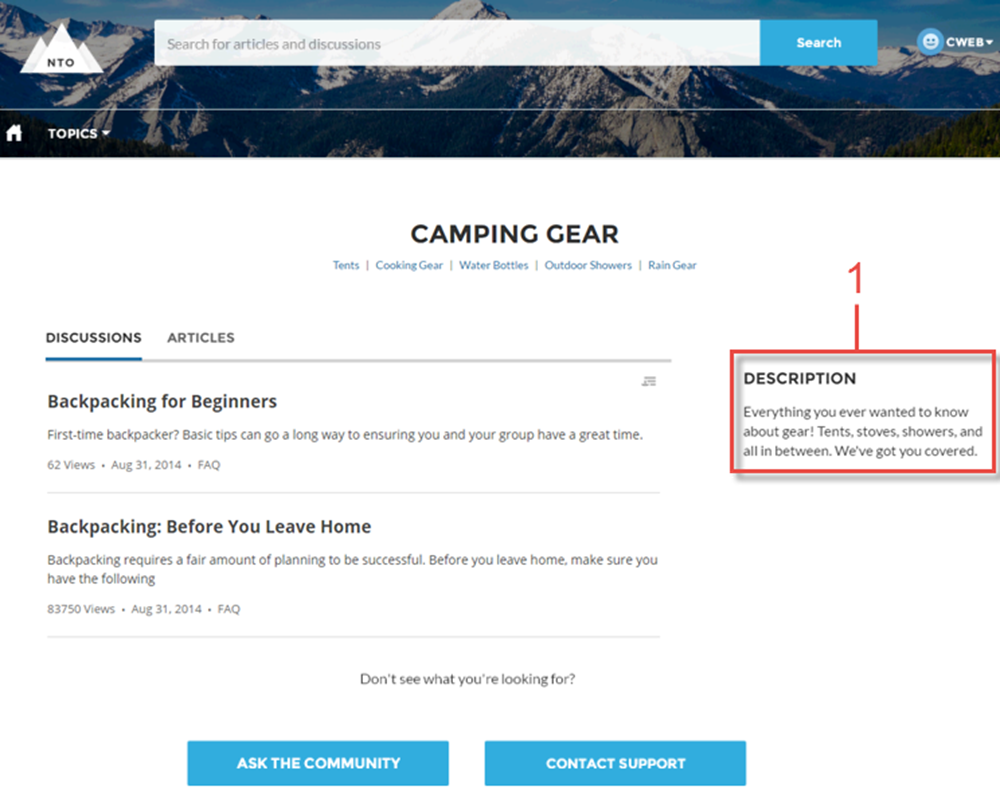
The Topic Description component is used on the Topic Detail page in the Customer Service template. It shows the topic’s description as entered in .
- Select the Topic Description component in the page you’re configuring.
-
In the property editor, configure the properties
for the component.
Property Details Topic ID The system supplies this value, and populates the component with the description tied to the topic shown on the topic detail page. Title Enter text for the title. The default text is Description.

Example Sample Topic Description component.