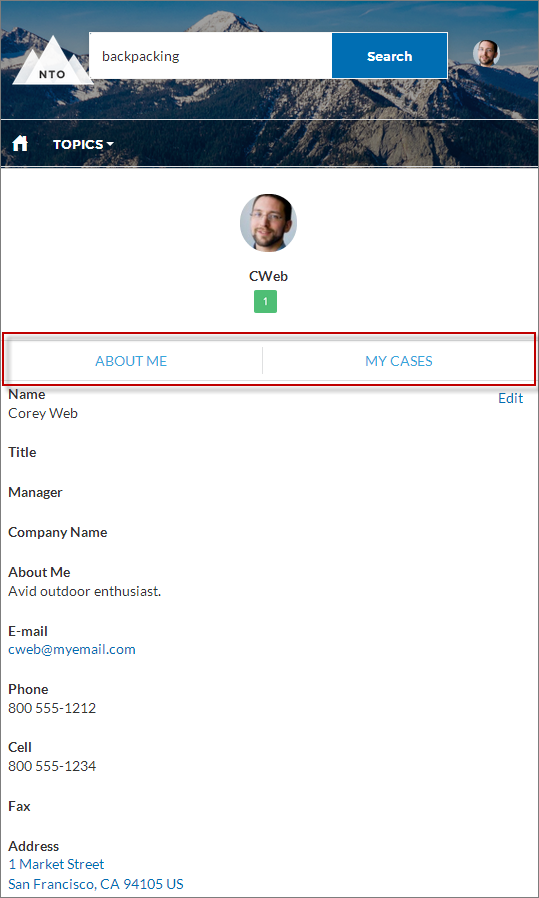
Custom code on the Profile page in the Customer Service template lets users scroll to the selected component from a user’s profile page, which saves a mobile user from having to scroll to a profile component that isn’t visible on his or her device.
- On the Profile page, right-click the area of custom code below the User Profile Header, and click Edit.
- In the Edit Code page, you can change the labels that let mobile users navigate in their profile.

Example Sample Scroll To component: