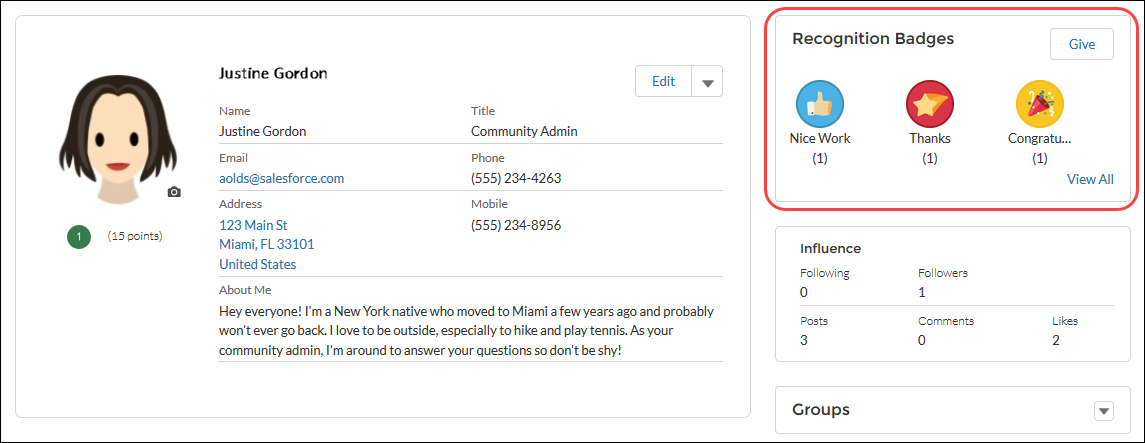
The Recognition Badges component displays up to three of the most recent badges a user has earned. It also shows the Give Badge button, and a link to view all badges the user has earned.
From the User Profile page in Experience Builder,
- Add the Recognition Badges component to the User Profile page.
-
In the property editor, configure the properties
for the component.
Property Details Id The system supplies this value. Don’t update this field. Title Enter a title for the component. The default text is Recognition Badges. Button Text Enter a name for the button that users click to give badges. The default text is Give.
The Give button is only available if the Give Recognition Badges in Lightning Communities permission is turned on.

Example Sample Recognition Badges component