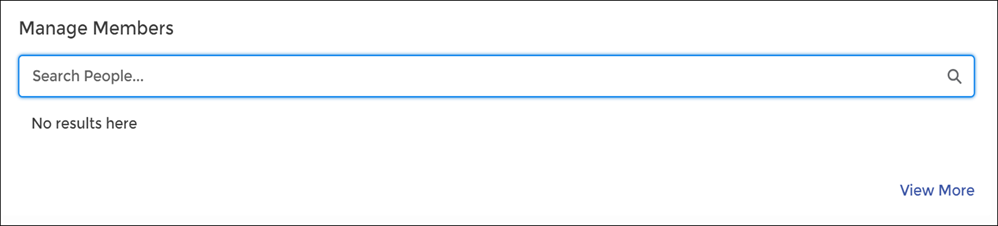
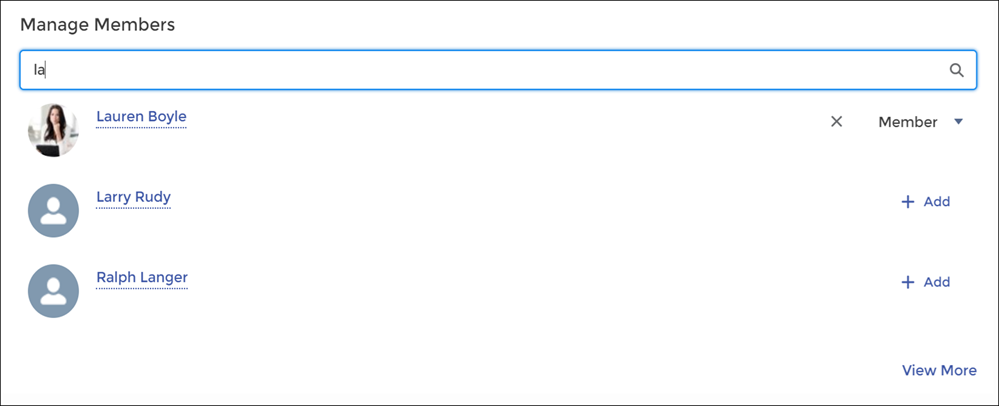
The Manage Members Section component allows you to search for and add members to your group from an Experience Cloud site. Search results update dynamically as you type.
- Select the Manage Members Section component.
-
In the property editor, configure the properties
for the component.
Property Details Group ID Enter a group ID. To find a specific group ID, navigate to the group home page and copy the ID from the URL. The ID is a string of numbers and letters.
Group URL format example: https://MyDomainName.my.site.com/siteName/s/group/0F7A0000000DZXiNQO/groupName
For this URL, the group ID is 0F7A0000000DZXiNQO.
Header Label Enter header text for your component. The default is Manage Members.

Example Sample Manage Members Section component: