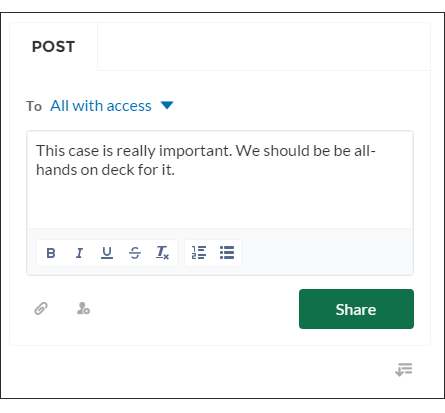
The Feed Publisher component lets customers create rich text posts on records, groups, topics, and profiles, and attach files from any of their devices. It also supports multiple file attachments, inline images, and rich link previews. The Feed Publisher component isn’t supported for articles.
The Feed Publisher offers a way to add content to a site feed. It works together with the Feed and Feed Compact components. When site members create posts using the Feed Publisher, the posts are displayed in the related Feed or Feed Compact component on the page.

By default, the Feed Publisher lets users attach any supported file type up to 2 GB per file. For best performance, inline images up to 25 MB per image are recommended. Inline images over 25 MB appear at full size, and can be slow to load.
- Select the Feed Publisher component in the page you're configuring.
-
In the property editor, configure the properties
for the component.
Property Details Type Select the type of feed publisher you want to place on your page. To use global publisher actions defined in your Salesforce organization, choose Global. To use an object-specific publisher layout, choose Record.
For example, use Record if you want to add the publisher to a custom group detail page. Use the publisher actions that are included in the group publisher layout for your org.
Record ID The feed item ID. Typically, this field is automatically populated with the record ID when the page loads. Leave this field blank if you pick the Global feed publisher type. Publisher Layout Design Choose if you want to see the wide or narrow feed publisher layout design.

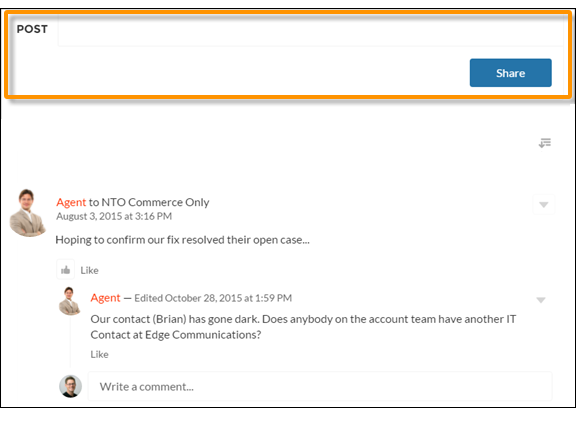
Example: Sample Feed Publisher component, narrow layout
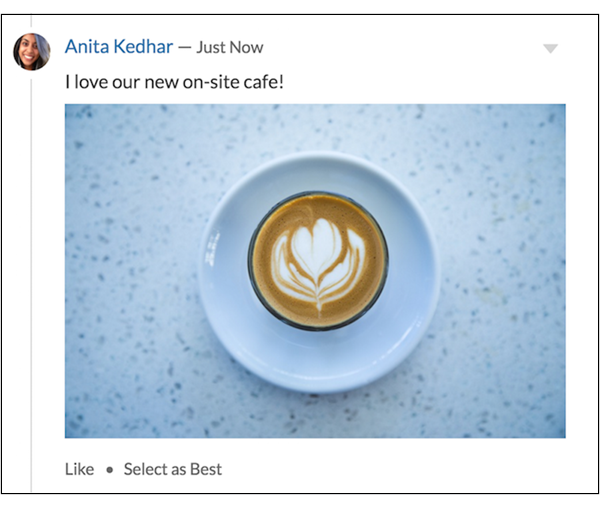
Example: Sample feed post with inline image