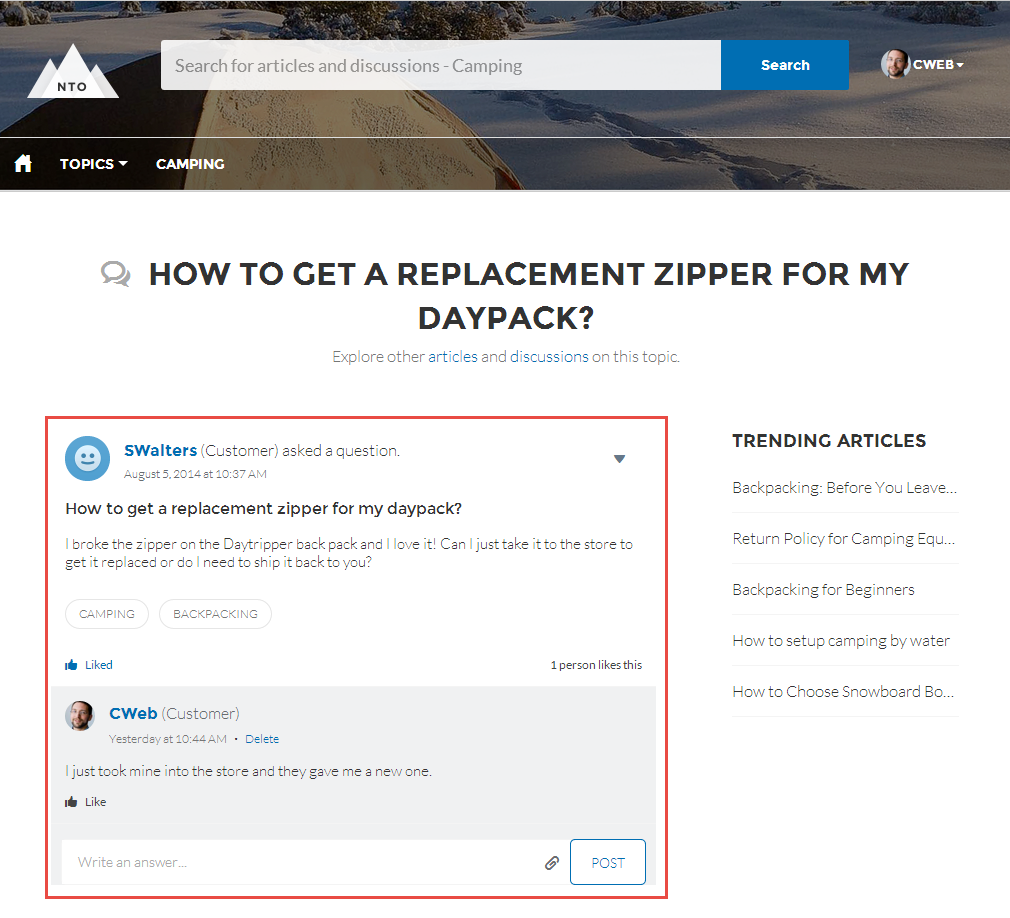
The Feed Post & Comments component shows the detailed view of an individual post, comment, or question in the site feed. For questions, it includes the question, all the answers to that question, and an indication if it was escalated to a case.
Only users who are logged in can post an answer to a question. Users can attach a file to a question or answer post by clicking the paperclip icon. They can choose to Select a File from files already uploaded to the site or Upload a File from the user's local drive.
When an answer is posted, users can click the dropdown button at the top right corner of the post to edit, bookmark, delete, or flag the post. Also, users can edit the topics associated with the post. The editing and flagging features must be enabled for the site.