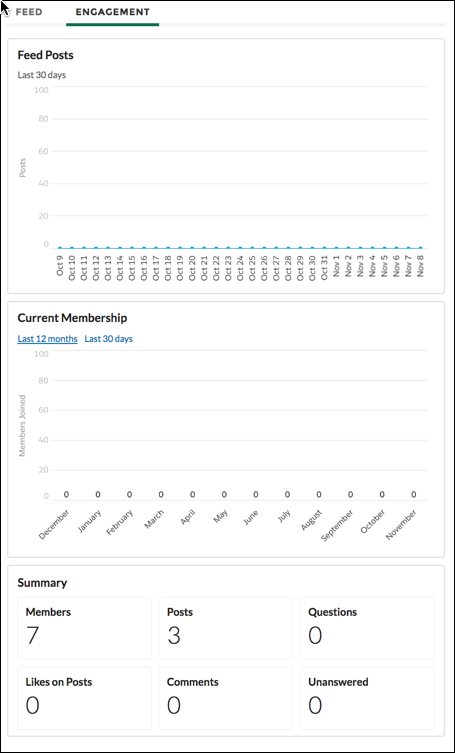
The Engagement component displays charts related to member engagement in the Chatter group.

Note Beginning in Summer ’26, Chatter is turned off by default in
all new orgs. For any features in these orgs that require access to Chatter functionality or
the Chatter APIs, turn on Chatter by going to and selecting Enable. For details, see Chatter Is Turned Off by Default in New
Orgs Beginning in Summer ’26.
The Engagement component is visible only to internal users who have reporting permissions in orgs that have group engagement. External users can't see the component even with Enable report options for external users turned on. You can also choose to make the component visible only to group managers.
- Select the Engagement component in the page that you’re configuring.
-
In the property editor, configure the properties for the component.
Property Details Group ID The group’s ID. Typically, this field is populated when the page loads.

Example