There are three primary areas where you set up, design, and manage your Aura and LWR Experience Cloud sites: Salesforce Setup, Experience Workspaces, and Experience Builder.
Required Editions
| Available in: Salesforce Classic and Lightning Experience |
| Available in: Enterprise, Developer, Performance, and Unlimited Editions |
Salesforce Setup
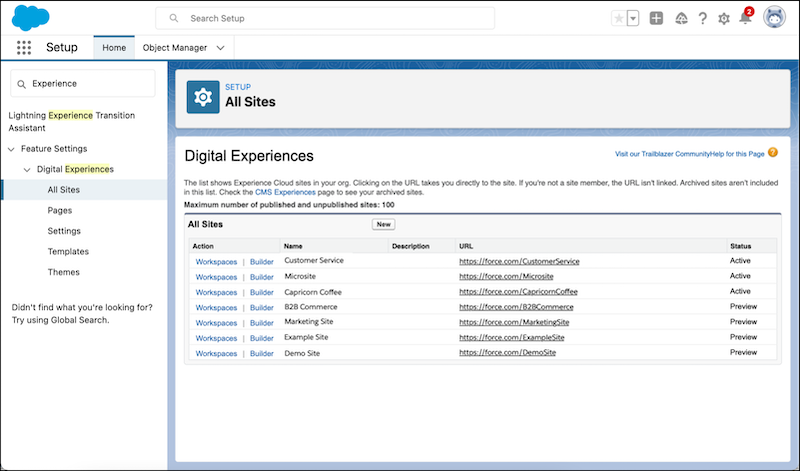
The Salesforce Setup menu contains settings that apply to your Salesforce org. An Experience Builder site is built on top of your existing org and uses your Salesforce data. The Setup menu is where you turn on Experiences, create a site, manage user permissions, and log in to existing sites.
Experience Workspaces
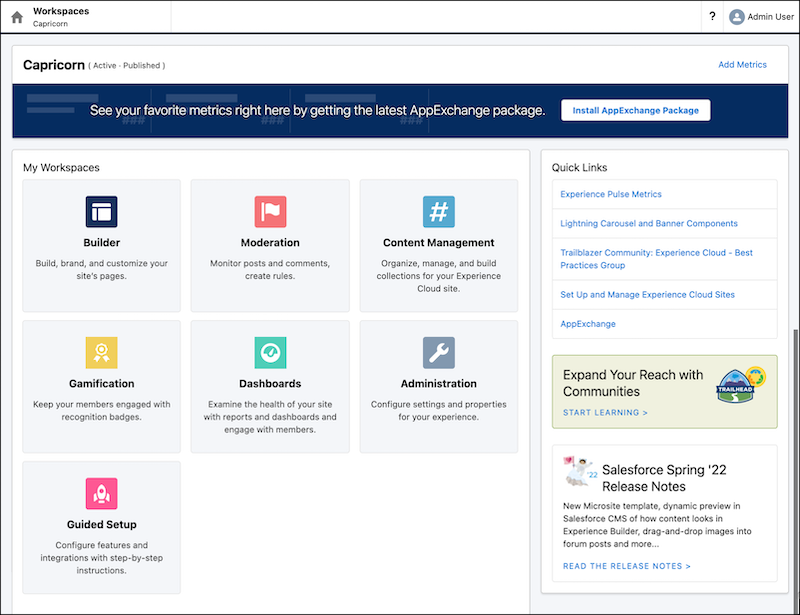
After you create a site, Experience Workspaces is where you access Experience Builder, manage content, configure site settings, and monitor your Experience Cloud site. Community managers can view dashboards for groups, members, feed activity, and license usage and manage the community’s reputation system. Moderators can see which items have been flagged for review.
Experience Builder
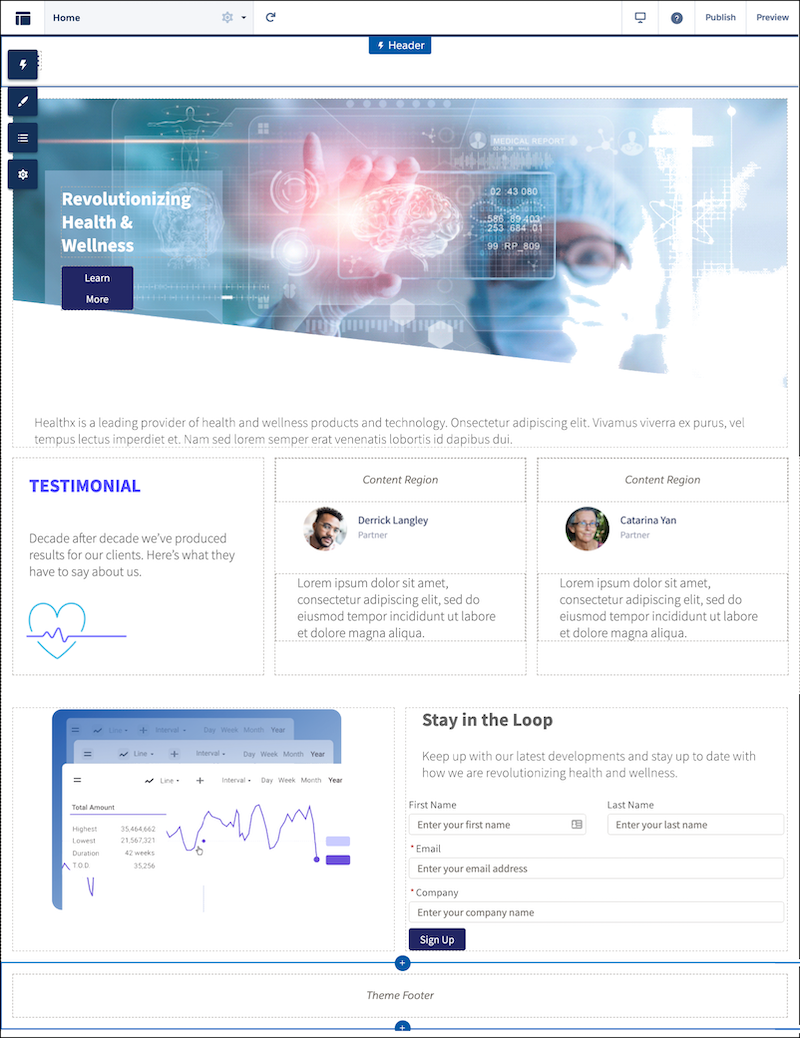
Use Experience Builder to customize your site. Experience Cloud offers many types of sites, from community portals to online stores. Based on the template you choose, Experience Builder provides a list of pages and components that you can use on those pages. Create themes to fit your custom branding, and when you’re ready to go live, publish your site.