
Create hand-picked static collections of Salesforce CMS content. Select and add specific content in a few clicks, and edit the collection at any time from the Content Management workspace. Create manual collections to gather CMS content items of a single content type.
Required Editions
| Available in: Salesforce Classic and Lightning Experience |
| Available in: Enterprise, Performance, Unlimited, and Developer Editions |
| Applies to: Aura sites |
| User Permissions Needed | |
|---|---|
| To access Experience Workspaces or Experience Builder: |
Create and Set Up Experiences AND Is a member of the community, portal, or site |
| To customize an Experience Builder site: |
|
| To create collections using CMS content: |
|
- In Content Management, select Collections, and click New.
-
In the New Collection window, enter a descriptive name for the collection, select
CMS Content, and click Next.
 Tip To make your collection easy to locate, give it a descriptive name.
 - From the dropdown menu, choose the content type that you want to include, and select Manually.
-
To add content to the collection, click
 beside each
content item.
beside each
content item.
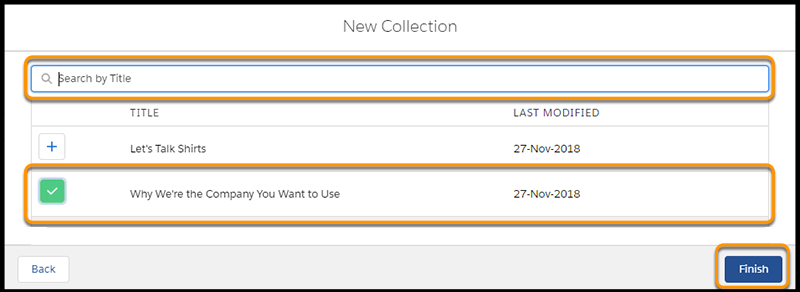
- Click Finish.