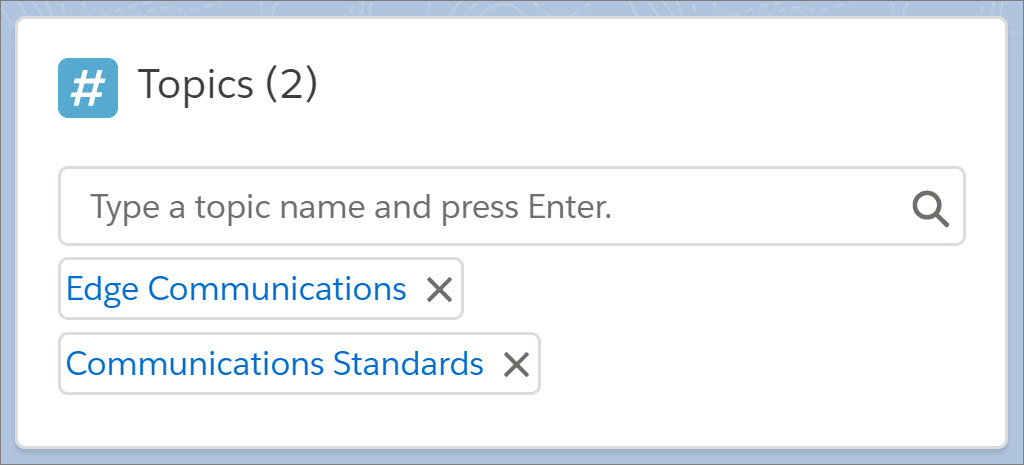
Add the Topics component to record pages so that your users can assign topics to
records. Topics allow your users to organize records by theme. On the topic detail page, users can
see all the records with a topic and filter their record list views by topic.
Required Editions
| Available in: Lightning Experience |
| Available in: Group, Essentials, Professional, Enterprise,
Performance, Unlimited, Contact Manager, and Developer
Editions
|
| User Permissions
Needed |
| To create and save Lightning pages in the Lightning App Builder: |
Customize Application |
By default, topics are enabled for most standard objects. To configure topics for
objects, including custom objects, from Setup, enter Topics for Objects in
the Quick Find box, then select Topics for
Objects.
-
Create a record page for Lightning Experience.
If you already have record pages for Lightning Experience, go to the next step.
-
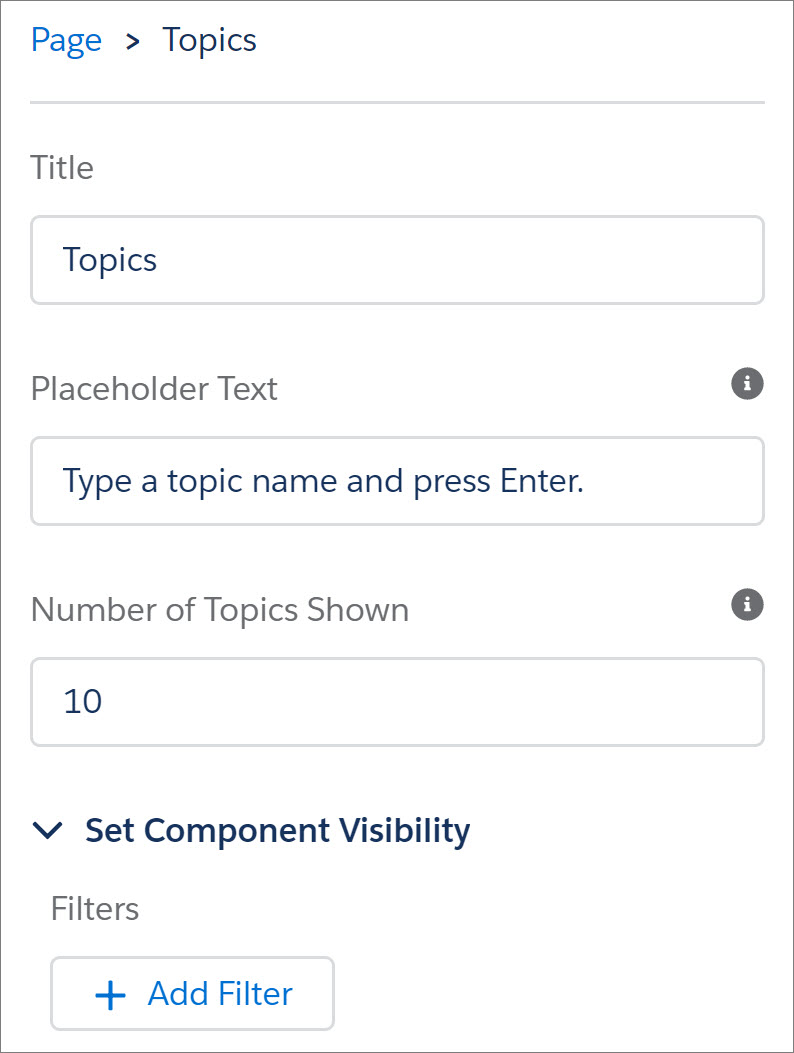
In the Lightning App Builder, configure the Topics component and add it to the page’s
layout.
-
Save your page. If your page is new, activate it.