
In Lightning Experience Chatter feeds, comments are live—they appear when they’re posted, without requiring a page refresh.
Required Editions
| Available in: Lightning Experience |
| Available in: Essentials, Group, Professional, Enterprise, Performance, Unlimited, Contact Manager, and Developer Editions |
To see live comments in a feed, you must be subscribed. Subscription is easy. Here are three ways to do it:
- Click in the Comment field.
- Post something
- Click more comments
If you go idle for a while or navigate away from a feed, click in a comment field to resubscribe.
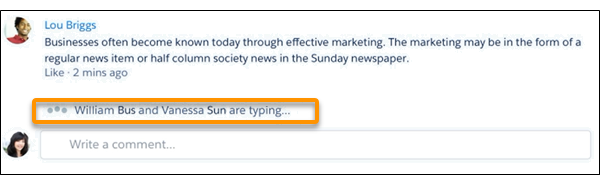
When you’re subscribed to live comments in a feed, a typing indicator shows you when people are actively entering comments.
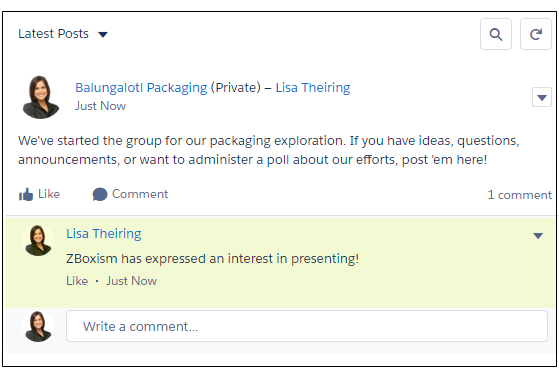
When the comment is posted, it briefly flashes yellow.
- When new comments are published on a feed post that you’re engaged in, you receive notifications only in Lightning Experience. Notifications appear when you’re actively typing comments or you’ve clicked in the comments box.
- The number of participants that are supported for live comments depends on your org’s subscription limits. If you’re not getting live comments, click in a comment field. If comments still aren’t live, it’s likely that your org has hit its limit. You can still get updates the old-fashioned way, by refreshing the page.