
Let your users schedule and customize an out-of-office message, and place it next to their name in Chatter. You can enable or disable this feature in Setup, under Chatter Settings. Setting an out-of-office message is available only in Lightning Experience.
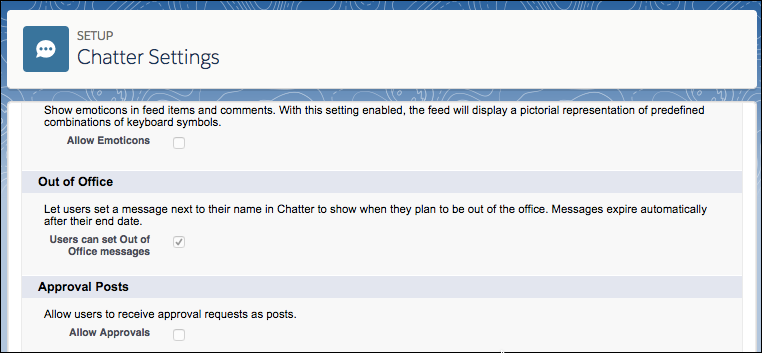
- In Setup, go to Chatter Settings.
- Click Edit.
- In the Out of Office section, enable (or disable) Users can set Out of Office messages.
- Click Save.