
After creation, validate your calculated or streaming insight in Data Explorer to ensure that your data and formulas are accurate. You must validate an insight before you use it in a segment.
Required Editions
| Available in: All Editions supported by Data 360. See Data 360 edition availability. |
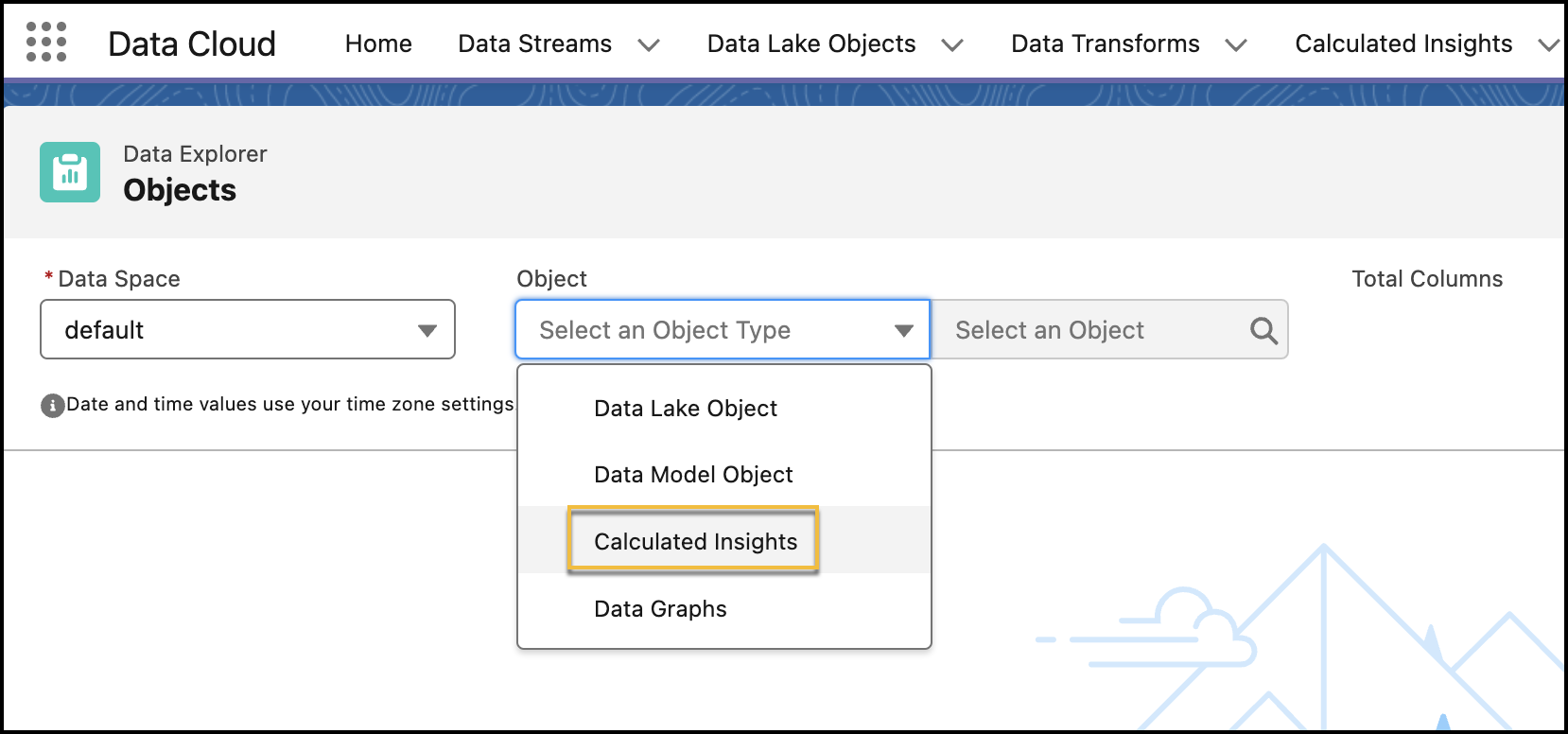
- In Data Cloud, go to the Data Explorer tab.
- From the Data Space dropdown, select a data space.
-
From the Object dropdown, select Calculated Insights, and then
select a calculated or streaming insight.
-
Review the data and results of your selected insight.
You can personalize your view by editing the columns and use filters to show only the most relevant data for your selected insight. You can sort the data in descending or ascending orders by clicking a data column.
For streaming insights, if there isn’t any new streaming data ingested, no data is displayed in any of the columns. To process a streaming insight, data must be ingested continuously during a specified time interval. You can check the status of a streaming data transform from the Refresh History of a data stream. For calculated insights, you must wait until your insight is processed to validate it in Data Explorer. You can check the status of a calculated insight on its record home page.