
Before you begin with Data 360, review the checklist, considerations, and product navigation.

As of October 14, 2025, Data Cloud has been rebranded to Data 360. During this transition, you may see references to Data Cloud in our application and documentation. While the name is new, the functionality and content remains unchanged.
To get ready for Data 360, teams should:
- Understand the guidelines and limitations that impact billing.
- Review brand management and organization structure used in Data 360.
- Decide on a data strategy by reviewing data model concepts.
- Analyze existing data and data sources.
- Discuss using unified profiles.
- Identify users and their needed permissions.
- Create goals and determine data usage.
Checklist and Considerations
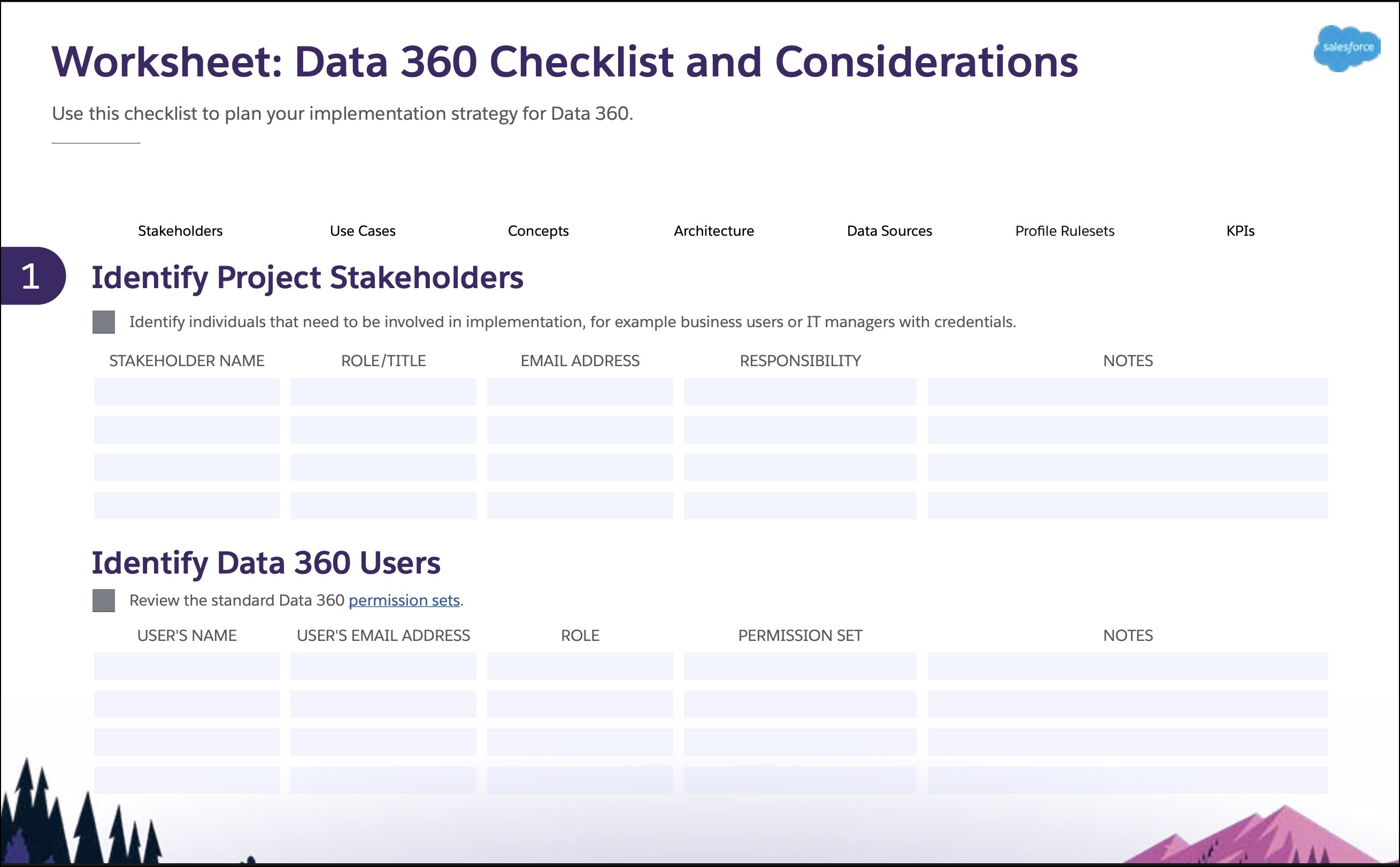
Download the interactive PDF worksheet: Data 360 Checklist and Considerations.
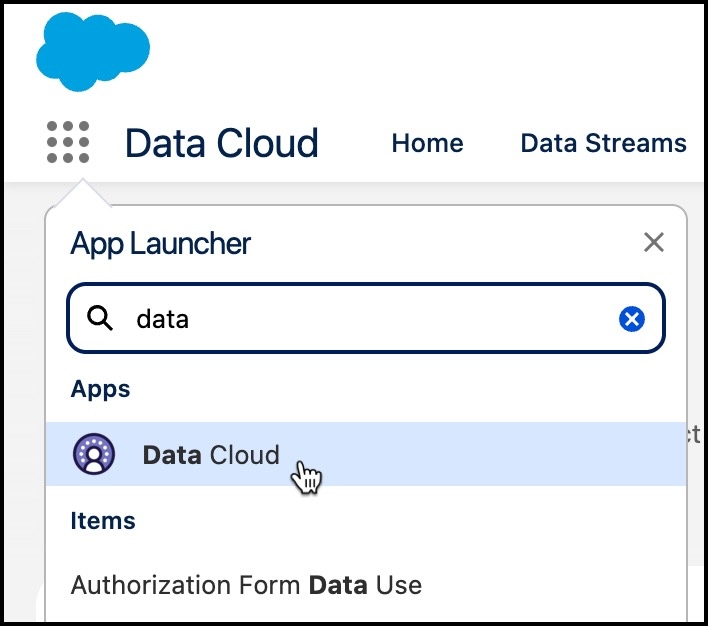
Navigation Options
Find Data Cloud in the App Launcher after provisioning.
Tab Navigation
On the Data Cloud home page, find features through tabs.

Ingest, connect and model data with the Data Streams, Data Lake Objects, and Data Model (1) tabs. View connected data and unified profiles with Data Explorer and Profile Explorer (2). Create match and reconciliation rules to unify individual records with the Identity Resolutions (3) tab. Calculate metrics and build streaming insights from the Calculated Insights (4) tab. The Data Cloud Setup gear (5) is where system admin and users with the Data 360 Architect permission set configure Data 360 features.
Left Side Navigation
Users can now enable a new navigation pattern in Feature Manager. Instead of using tabs, job-based categories organize features based on related tasks and implementation order.
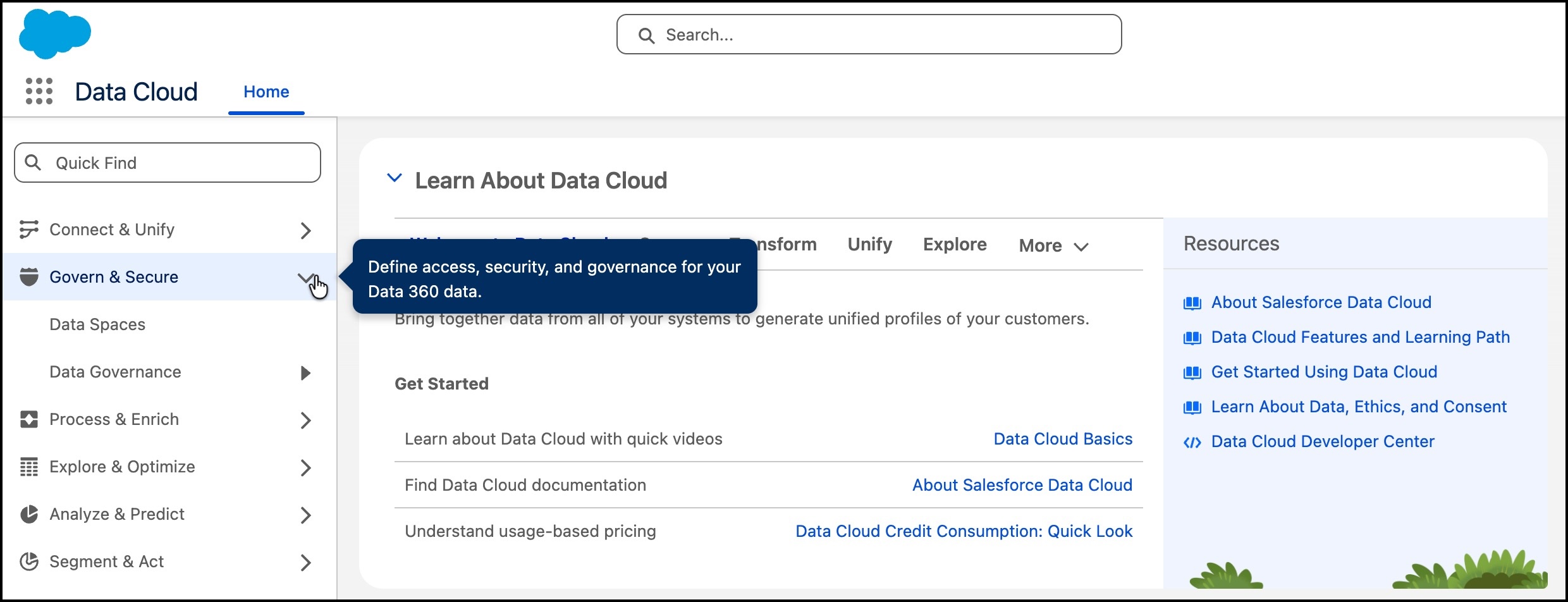
Find features grouped into categories.
- Connect & Unify: Connect Salesforce or external data into Data 360, standardize and harmonize the data, and create unified profiles.
- Govern & Secure: Provide users access to the right data at scale with data spaces, and add governance through tagging, classification, and policy-based controls.
- Process & Enrich: Prepare your data for search and AI with intelligent processing methods.
- Explore & Optimize: Explore your data with clicks, natural language, or SQL. Optimize your data for fast, efficient lookups by creating a data graph and a secondary index.
- Analyze & Predict:Use your data to generate metrics and reports, ask questions, and build AI and semantic models.
- Segment & Act: Build and activate segments, manage communications channels, and take external action.

- Set Up and Turn On Data 360
Capture, unify, segment, and activate your customer data with Data 360. Automatic provisioning occurs for most orgs that have a Data Cloud license. However, if auto provisioning isn't available or if you’re working in a Developer Edition or sandbox org, you must manually enable it. - Create Data 360 Users and Assign Permissions
Create users and provide access to Data Cloud features like identity resolution, transforms, and calculated insights. - Data 360 Licenses, Billing, and Limits
How you pay for data services provided by Data 360 depends on how your Data 360 org is licensed. Your licenses determine both billing method and limits for your org. We recommend working with your account exec before buying Data 360 or when your contract renews to ensure your license is the best choice based on your usage and growth potential. - Enable Data 360 Features
You can enable Data 360 features using the Feature Manager. This screen is visible only when there are one or more features to enable or disable. - Data 360 Lifecycle Management
To manage your Data 360 lifecycle you can renew your license or delete your Data 360 instance to reset the org. To keep your Data 360 instance, renew your license within the 120-day grace period. To set up a new Data 360 instance with an active license, use the Data 360 cleanup process to delete its associated data, metadata, and configurations. You can also use the cleanup process to connect your org as a Data Cloud One companion to an existing Data 360 instance. - Data Source Configuration in Data 360
To connect data sources, review the admin tasks that must be completed first. After they’re configured in Data Cloud Setup, data streams can be created for each data source. Find information about all the varieties of data source connectors, their configuration, and data stream setup under Connect Data. - Data Target Configuration in Data 360
To configure data targets, review the admin tasks that must be completed first. - AI and Data Usage in Data 360
AI is built on data. Review this table to find out which AI models Data 360 features support and the implications of turning off access to a model. - General Set Up Tasks in Data 360
In addition to provisioning and connecting data sources, learn about additional tasks completed in Data Cloud Setup. - Data 360 Usage and Access Changes
Changes to documentation about Data 360 licensing, feature availability, limits, billing, and permission sets are logged in this document.