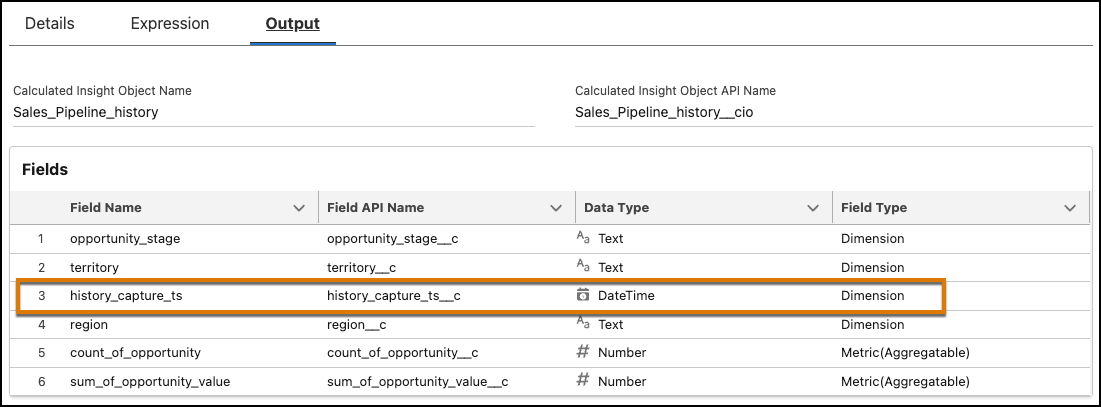
When you start history tracking on a calculated insight, Data 360 creates a calculated history insight.
Required Editions
| Available in: All Editions supported by Data 360. See Data 360 edition availability. |
- Go to the Calculated Insights list view.
-
Choose an active calculated insight:
- From the drop-down arrow, select Track History.
- Click the calculated insight to go to the record page, and from the drop-down arrow, select Track History.
- Select the Track history checkbox.
- Choose the Schedule and Time for the calculated insight.
- Click Save.