Deactivated Segment

If a segment is no longer needed, it can be deactivated through Data 360 and applies to all chosen targets. A deactivated segment no longer publishes, can’t be chosen for an activation, and can’t be re-enabled. If you plan to use the segment again, stop the publish schedule instead.

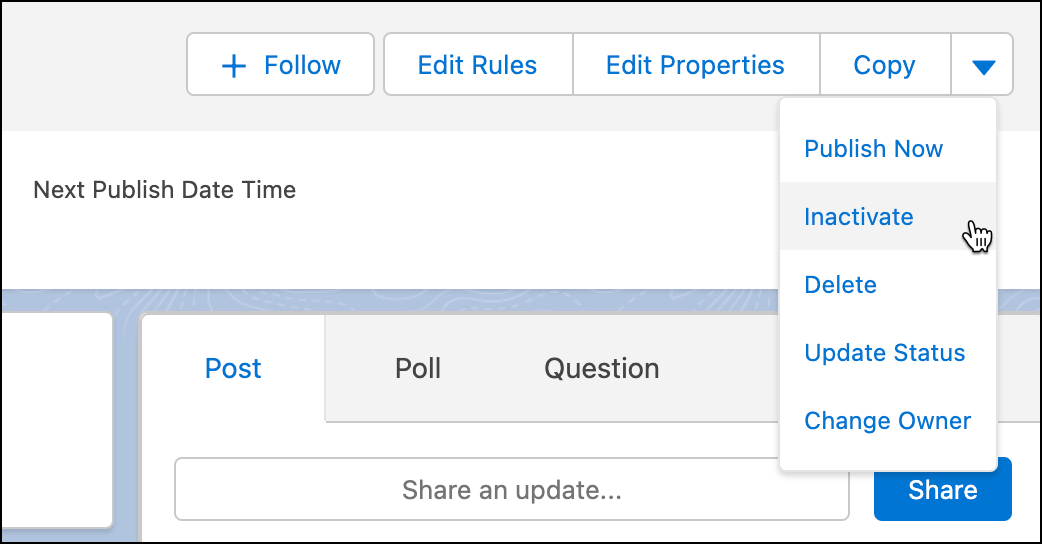
Deactivate a segment using the dropdown menu next to the segment name and click Inactivate.

Note
Note If you deactivate a segment, there's no functionality to re-enable it. If deactivated in error, you must recreate the segment.
dropdown menu for segmentation and the mouse icon is on the text Inactive