
After your schema is created you can disable source fields as needed.
Required Editions
| Available in: All Editions supported by Data 360. See Data 360 edition availability. |
| User Permissions Needed | |
|---|---|
| To disable source fields |
Permission set:
|

Note
- Disabled fields can’t be re-enabled.
- Fields used as part of the Primary Key, Event Date Time, or Record Modified fields can’t be disabled. Additionally, system-generated fields like Data Source, Data Source Object, and Internal Organization can’t be disabled.
To disable a field:
- Go to the Data Streams tab and select a data stream.
- View or search the fields associated with the data stream in the table.
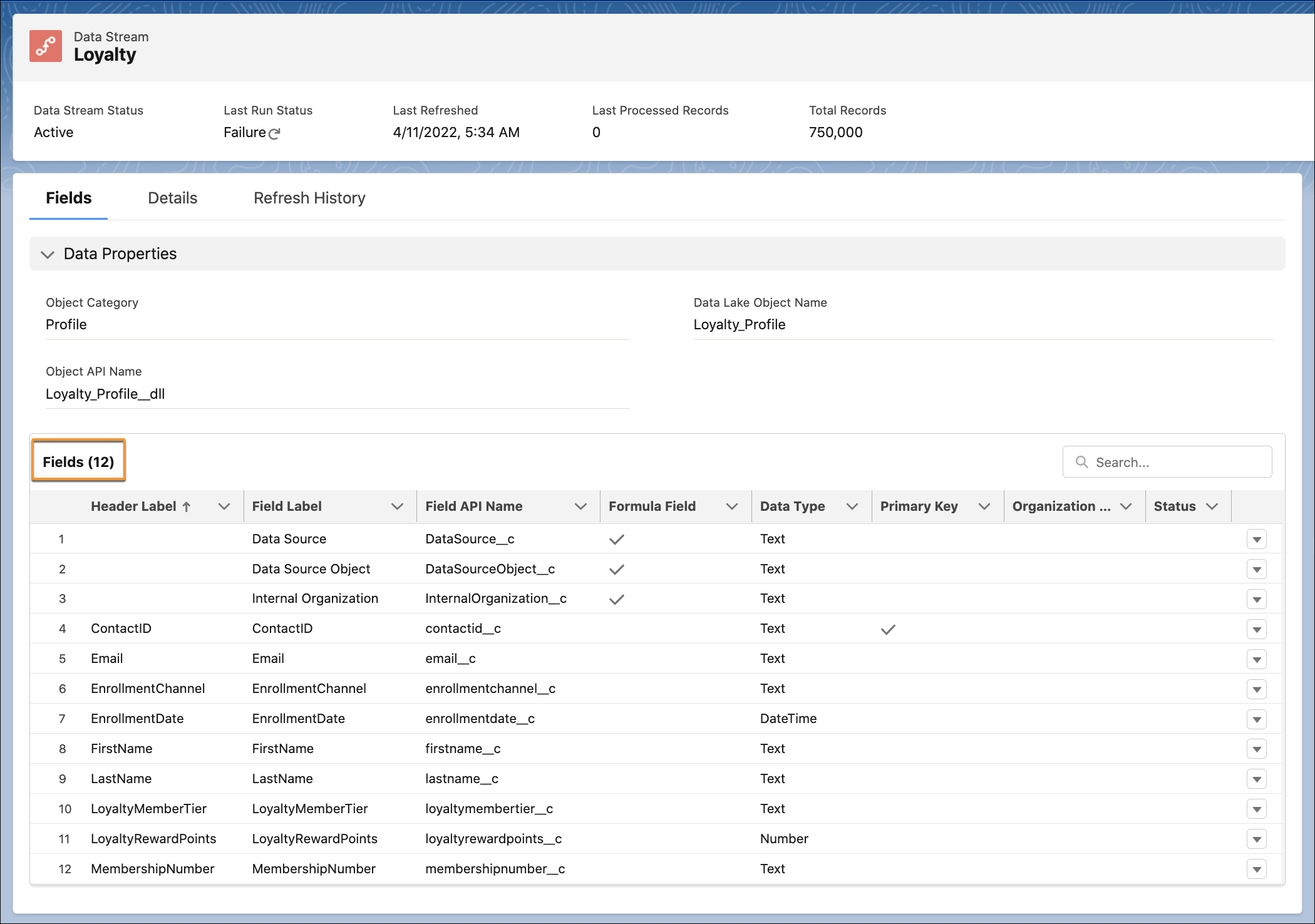
- Click the dropdown arrow for the field.
- Click Disable Field.
- When prompted, click Disable.
The field is disabled. Data that was previously ingested for this field remains, however, no new data is populated.