
You can edit Data Model Object (DMO) properties either on the Data Model tab or on the data mapping page.
Required Editions
| Available in: All Editions supported by Data 360. See Data 360 edition availability. |
- In Data 360, go to the Data Model tab.
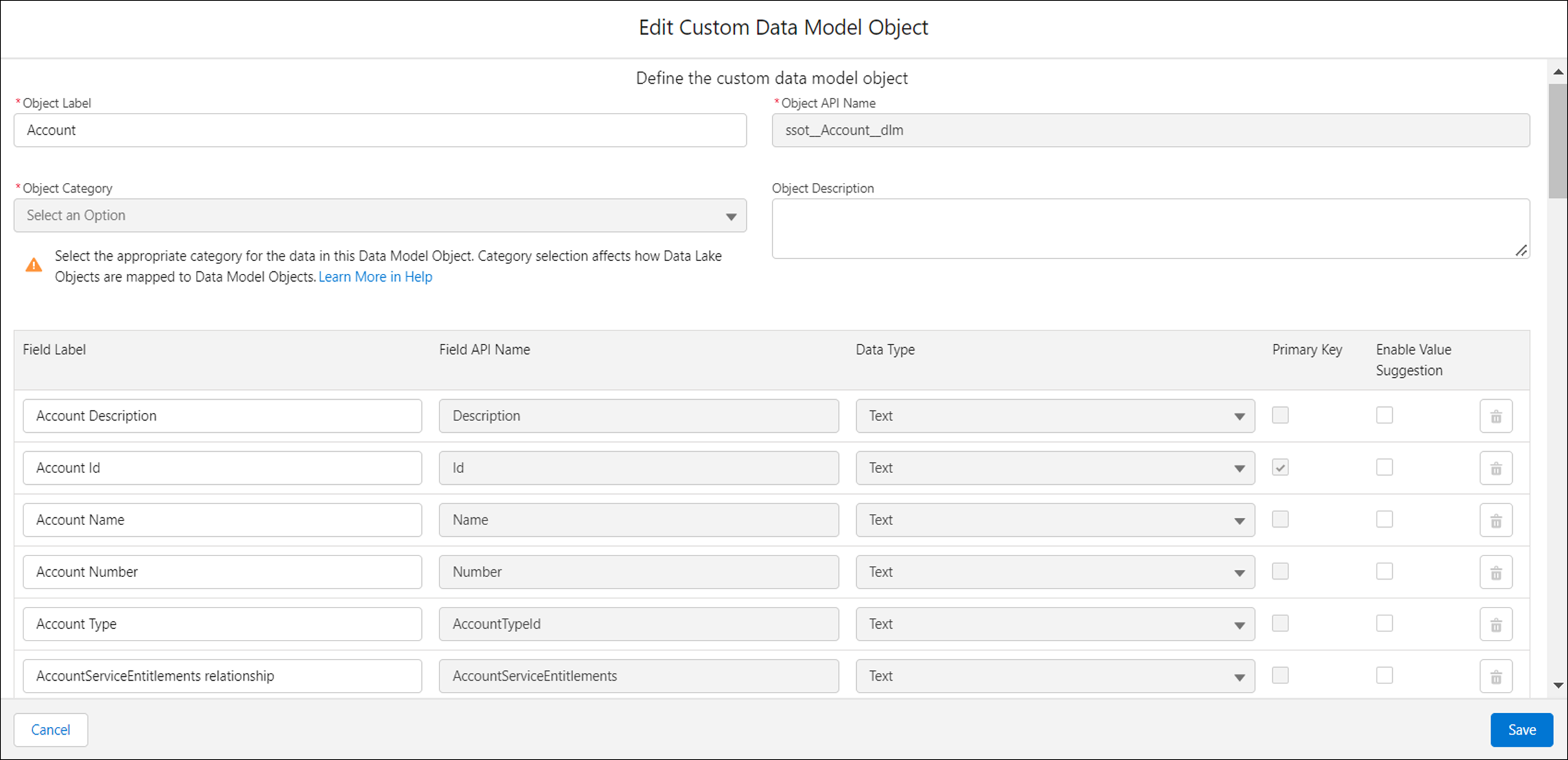
- Open your DMO, and click Edit.
-
Modify any of these properties: Object Label, Object Description, Field Label, or
Enable Value Suggestion.
The Enable Value Suggestion option is available only for Text data type fields. If you enable this option, as you enter text in the Value field in the segment builder, you can select from the suggested values in the dropdown list.
 Note When you edit field labels within DMOs, these changes are not automatically reflected in Related Lists. Related Lists display data based on the initial configuration at the the time of their creation. To ensure updated DMO field labels appear correctly, re-create or reconfigure the Related List on the record detail page after you change the DMO field lables.
 - To modify a DMO category, see Change the Category of a Data Model Object.
-
To delete a field, click the Delete icon.
You can’t delete a standard field of a standard DMO.
-
Save your changes.
You can also edit the DMO properties directly from the data mapping page by clicking the Edit Properties icon.