
If a standard data model object doesn’t meet a business need, you can create a custom data model object (DMO) to store information that is unique to your business. You can create a custom data model object from an existing DMO, from a file, or from scratch.
- On the Data Model tab, click
New.
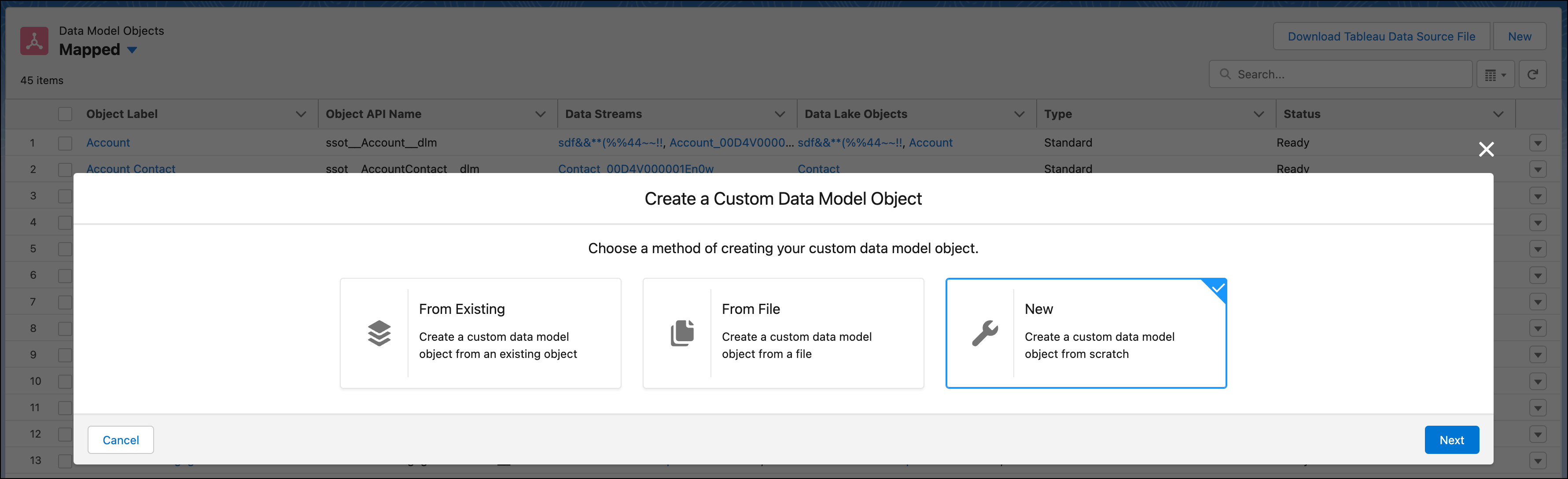
- Select the method of creation, in this case, select New.
- Click Next.
- Enter the details for Object Label, Category, and Object Description.
The Object API Name is auto-filled. The Data Source, Data Source Object, and Internal Organization fields are also added.The Object API Name must be unique across standard and custom DMOs, excluding the ssot__ prefix.
- To add a field, click Add Field.
- Enter the details for Field Label, Field API Name, and Data Type.
- Select a primary key field.
- Optionally, enable value suggestion for the field.
- Click Save.
You can now use your custom DMO.