After creating a predictive model, you can edit to update your settings or delete it if it’s no longer needed.
Required Editions
| Available in: All Editions supported by Data 360. See Data 360 edition availability. |
| USER PERMISSIONS NEEDED | |
|---|---|
| Allow users to manage models in AI Models | Enables you to create, update, and delete models in AI Models. |
| PERMISSION SETS | |
|---|---|
| Data Cloud Architect | Admin-level access to all AI Models features, including the ability to create, update, delete, and activate models. |
| Data Cloud User | Restricted access to use a model, including getting predictions and improvements derived from a model. |
Before you activate a model, you can update its settings, which saves time and the effort in creating a model.
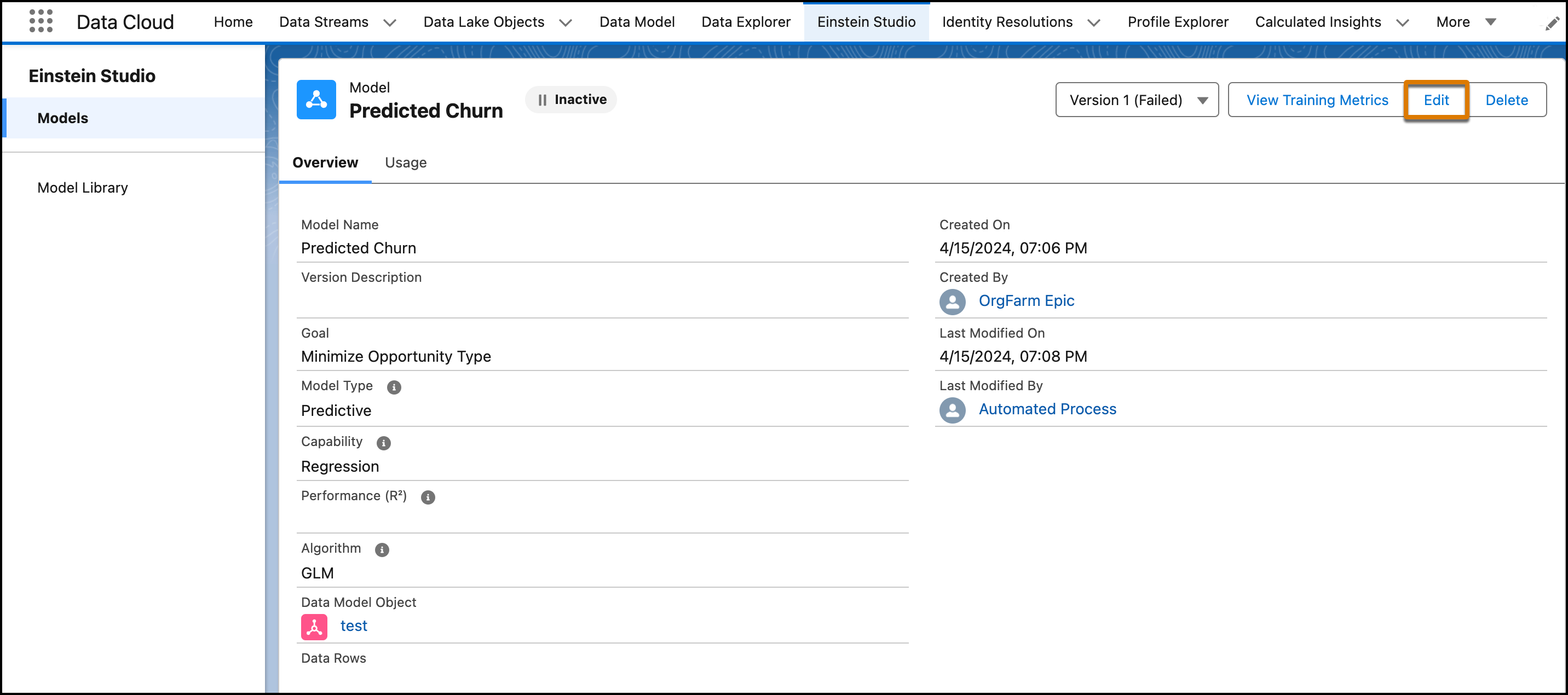
- Go to Model Details, and click the model version that you want to edit.
- Click Edit to review and update your settings. Editing a model version creates a new version of your model.
-
Save your work.
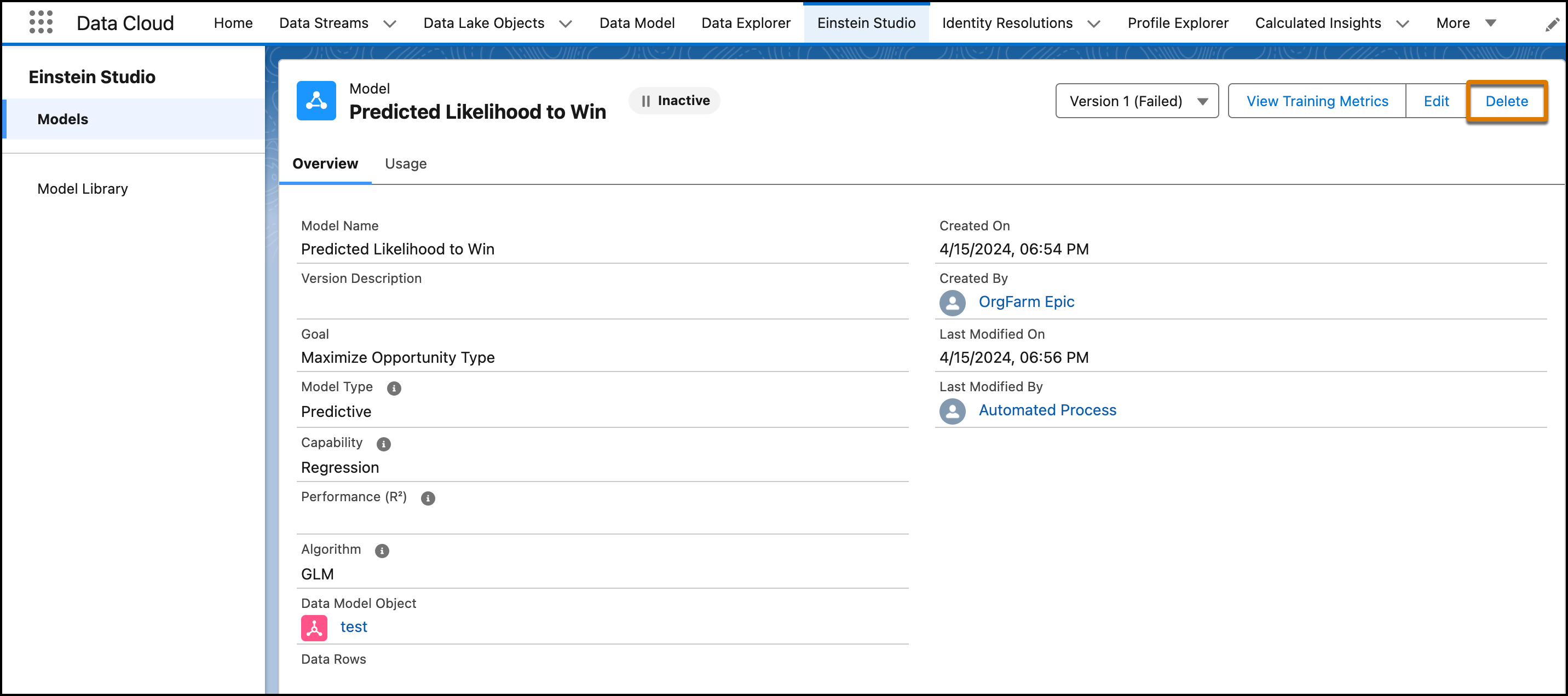
After deleting a model, you can’t recover any versions of the model or its prediction jobs.